How to create and start a task
You need this whenever you want an agent to start on a piece of work. A task has a goal and a prompt; creating it and starting it are two separate steps, and you can do both at once.
For what a task is and how its turns work, see Tasks and turns.
Dashboard
Open the dashboard with
lazy dashboard, go to Tasks and choose New task.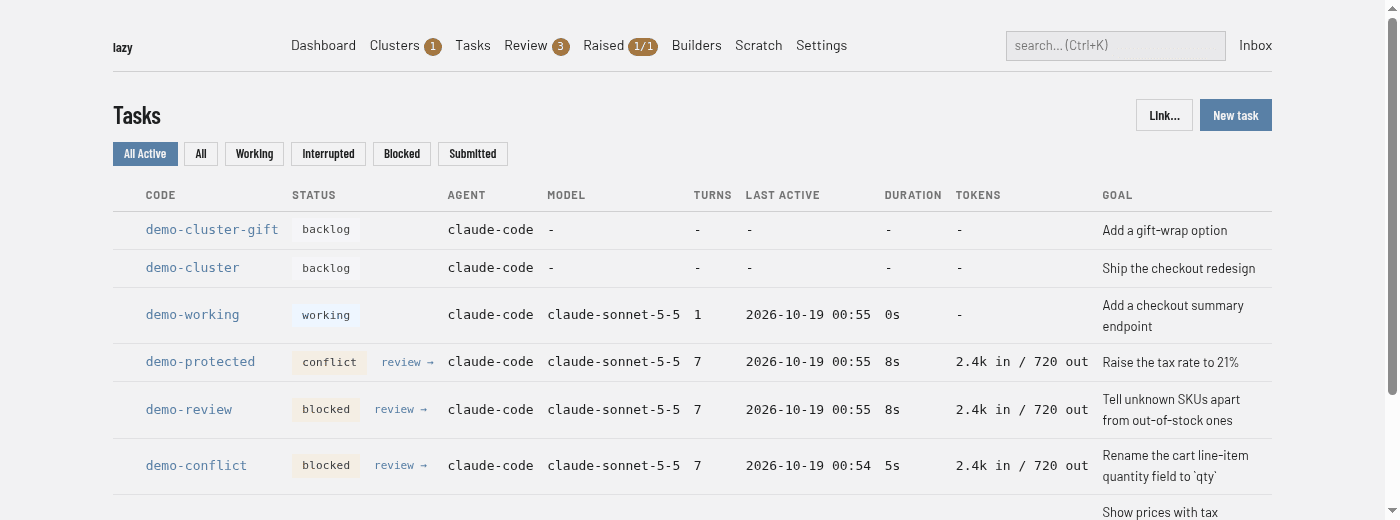
Fill in Goal and Prompt. Code, Parent, Type, Agent profile, Model, Effort and the three Review settings are optional.
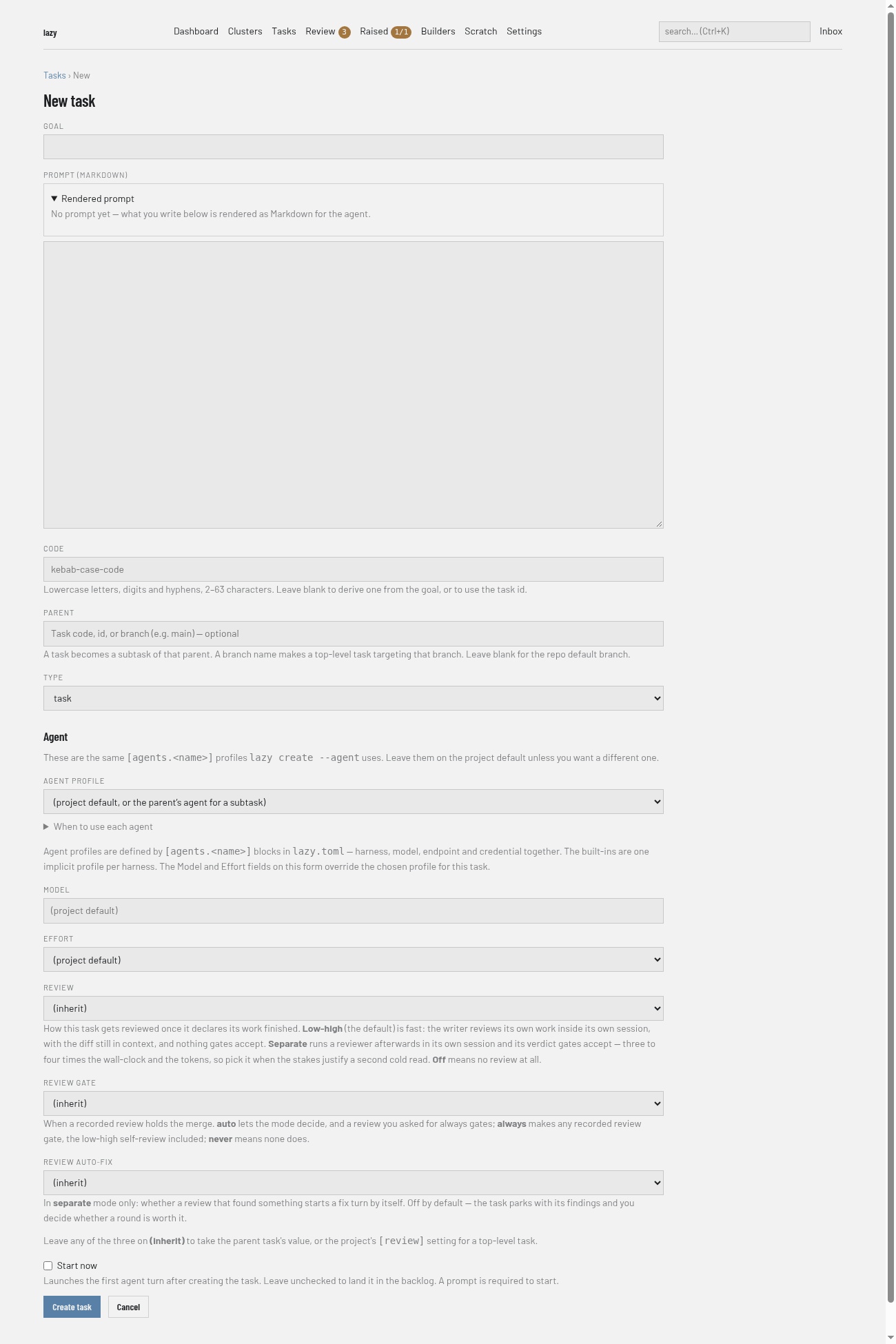
Tick Start now to launch the first turn straight away; leave it unticked to put the task in the backlog. Then choose Create task.
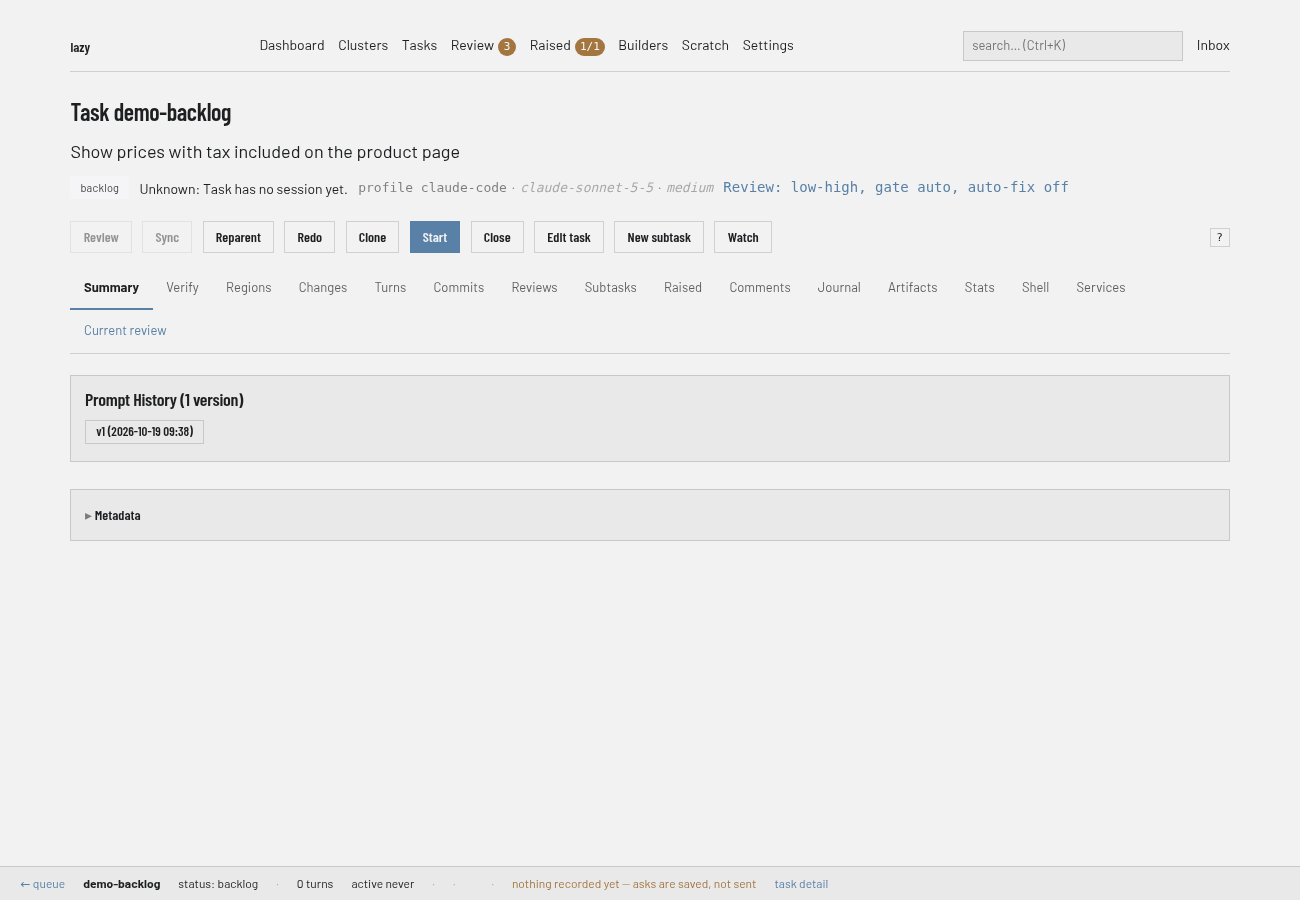
A backlog task has a Start button on its page. Choose it to launch the first turn.
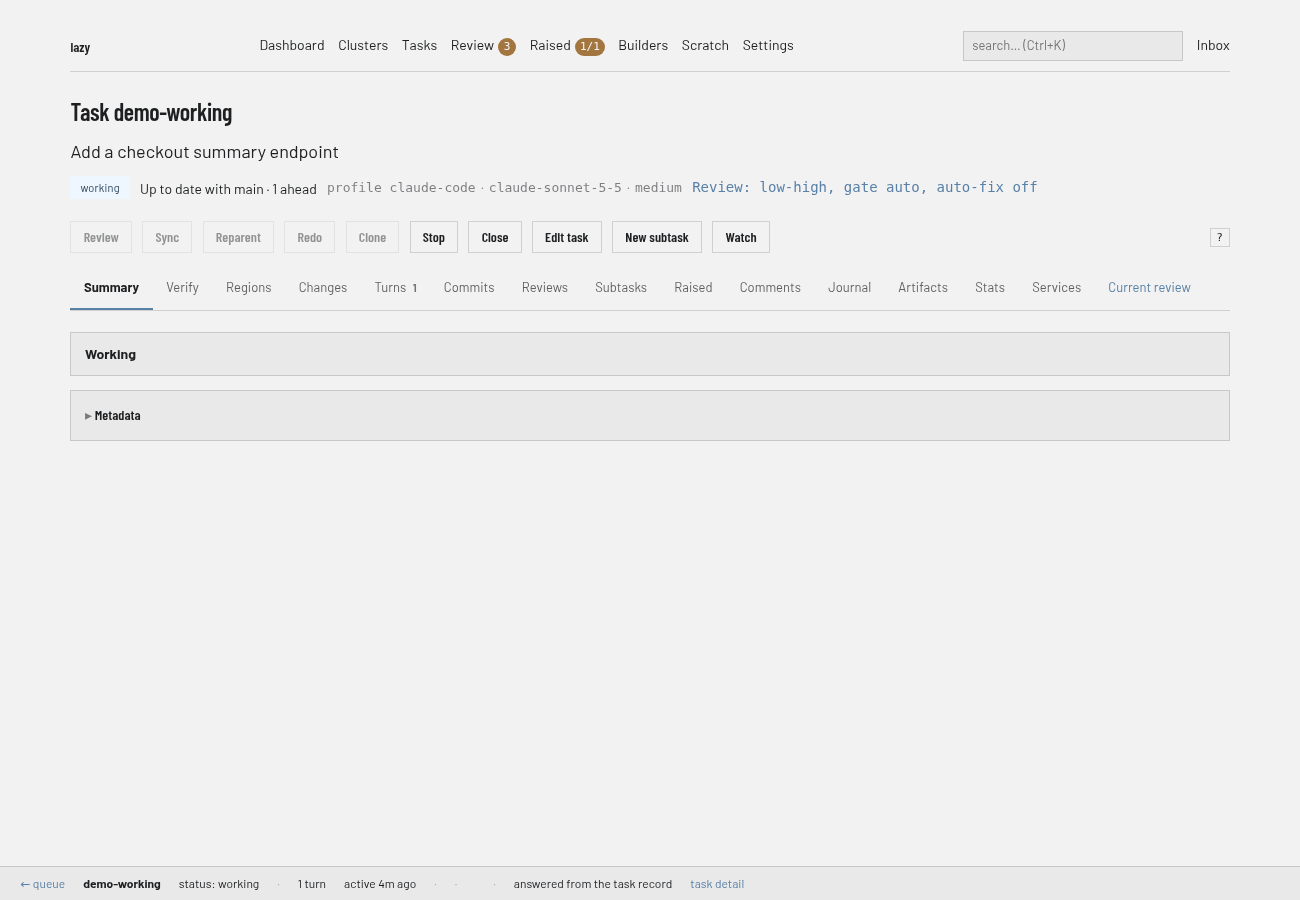
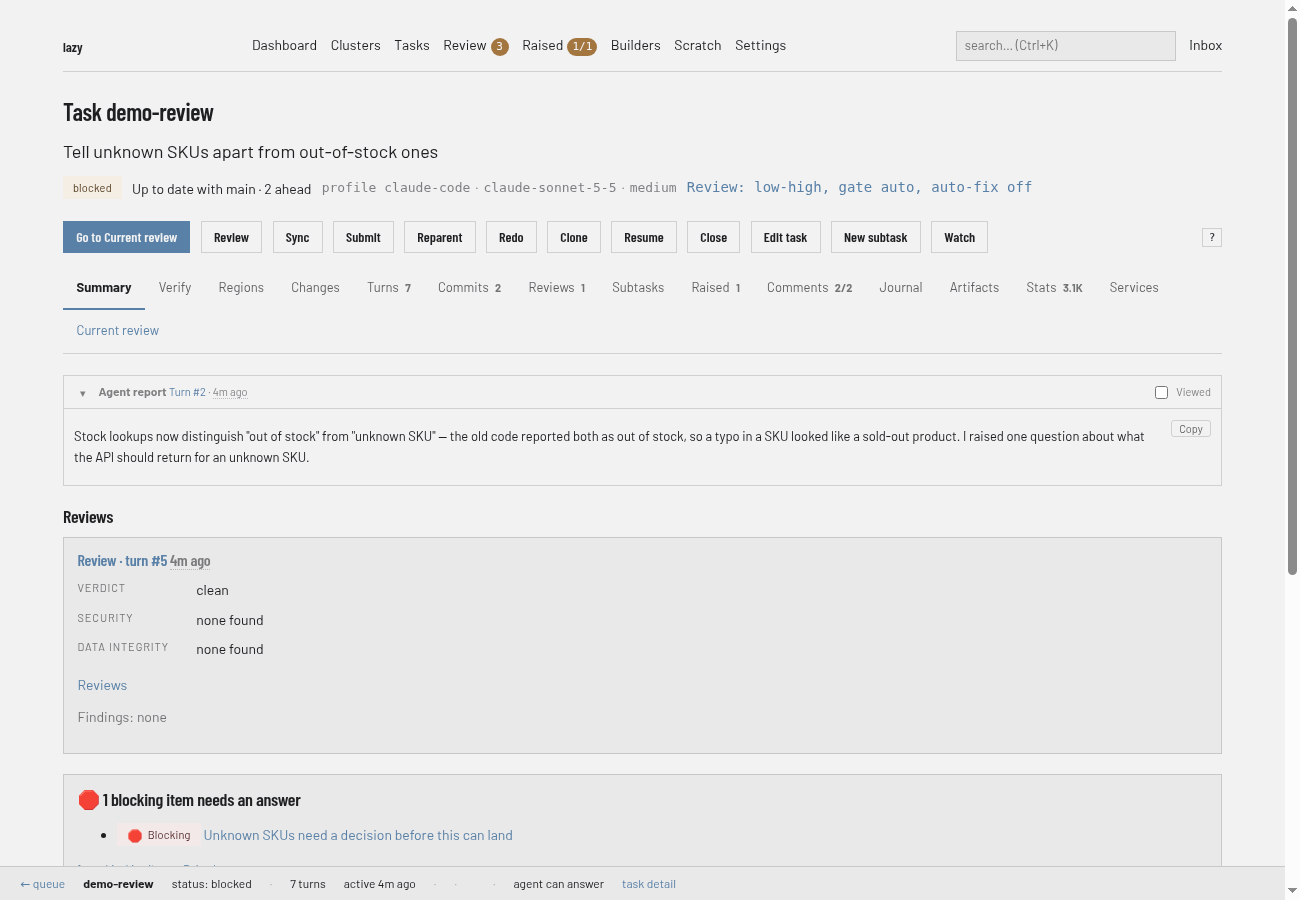
While the agent works the badge reads working, and Stop and Watch (a live view of the agent's output) appear in the button row.
When the turn ends the task is blocked, waiting for you, and Go to Current review appears. Carry on with Give feedback or Review and accept.
CLI
Create the task. Without flags,
lazy createis interactive and opens your editor for the prompt:lazy create --goal "Add auth" --code add-auth --prompt "Implement OAuth2 login"The prompt comes from
--prompt, then piped stdin, then$EDITOR. A task created this way waits in the backlog.Start it, by its code or its short ID:
lazy start add-authAdd
--followto wait for the agent and stream its output, or--yesto skip confirmation prompts.
Useful options on lazy create: --parent <task> (make it a subtask, or name a branch to target), --type, --agent <profile>, --model, --effort <level>, --runner <docker|container|podman> and --tag (repeatable). lazy start accepts the same --model, --agent, --effort and --runner to override them for the session. While a task is still in the backlog, lazy edit can change its goal, prompt and the rest.
To give the task its own environment variables at start time, use --env or --env-file; see Set environment variables and secrets.
Once the agent has started, lazy blocked lists the tasks waiting for you and lazy wait <task> blocks until the task stops working.
Lazy Teams
Open your project and choose New task.
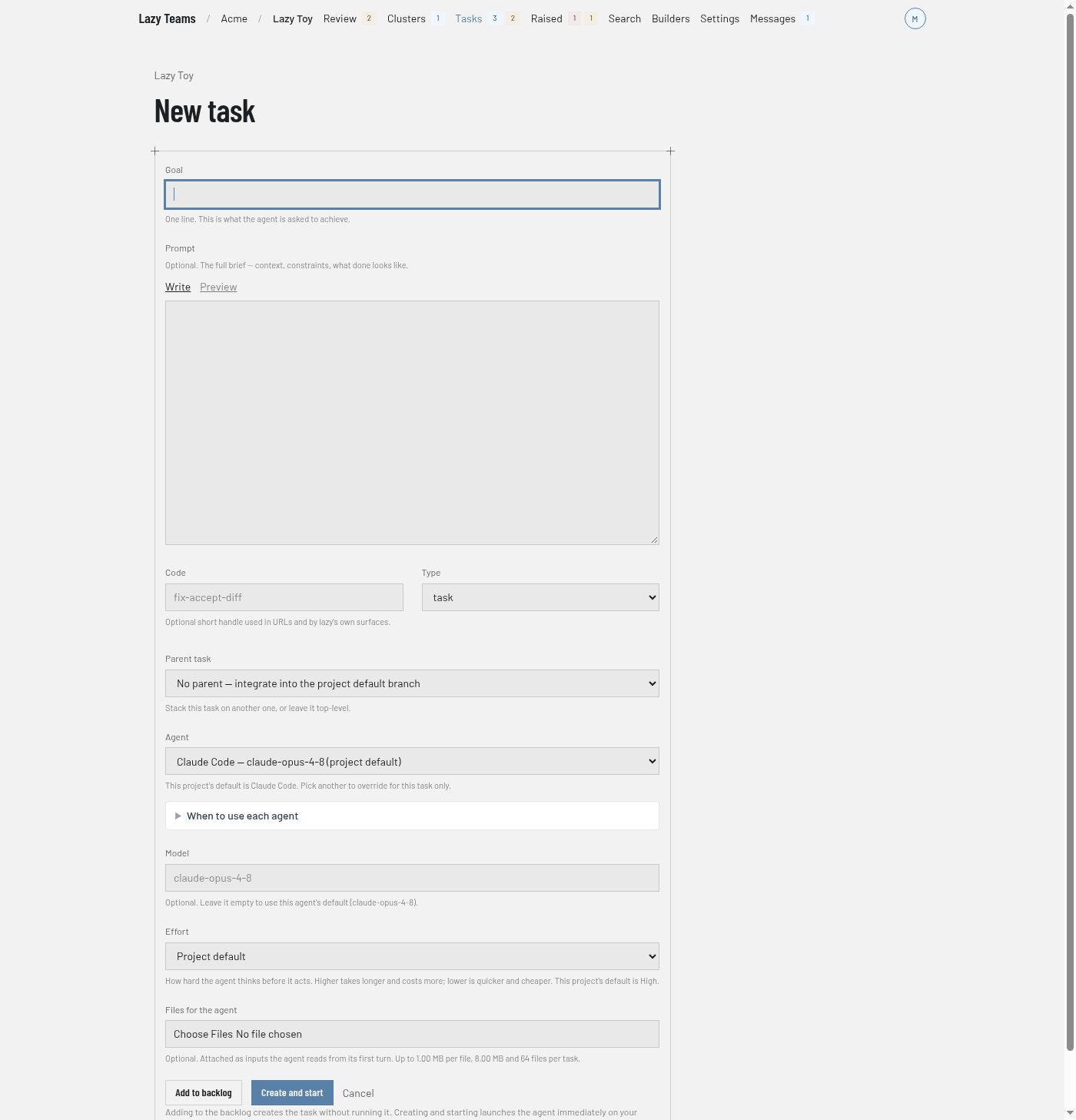
Fill in Goal. Prompt, Code, Type, Parent task, Agent, Model and Effort are optional, and you can attach files under Files for the agent.
Choose Add to backlog to create the task without running it, or Create and start to launch the agent straight away. The agent runs on your own account.
A backlog task has a Start button on its page.
Related
- Give feedback to a task
- Review and accept a task
- Tasks and turns and the task state machine
- Cluster tasks, for a task that drives its own subtasks