How to use a builder
You need this when you want to talk to an agent about your project as a whole, rather than about one task: plan work, create tasks, review what is in flight. A builder is a conversation with an agent that has lazy's orchestration tools.
What a builder is, and how it differs from a task agent, is explained in The builder.
CLI
Start a builder session in your project:
lazy builder
It starts autonomously (no permission prompts) and, in an interactive terminal, asks you to type yes after showing the posture it runs under. Pass --yes to skip that, which is required without a terminal, or --no-autonomous to keep Claude Code's normal permission prompts. --model <id> and --effort <level> set the builder's own model and effort.
When a session exits, its ID is printed. Resume a session, and list the captured ones:
lazy builder --resume <id>
lazy builder list
If lazy upgrade stops your builder to rebuild the image, it is relaunched in place afterwards with its conversation intact.
To run a builder on Codex, name a Codex profile:
lazy builder --agent codex-subscription
codex-api (an OpenAI API key) and your own harness = "codex" profiles work the same way, and [models.roles.builder] agent = "codex-subscription" makes it the default. See Codex builders.
In a clone logged in to Lazy Teams, lazy builder starts another builder on the server and attaches your terminal to it, as it starts another one on your own machine. Press ctrl-] to detach and leave it running; lazy builder attach [<id>] reattaches (relaunching a stopped one). lazy builder stop [<id>] stops one and keeps the conversation; lazy builder end [<id>] ends the run, and its conversation stays listed and can be resumed. With more than one builder, name the session id; lazy lists them when you leave it out.
Dashboard
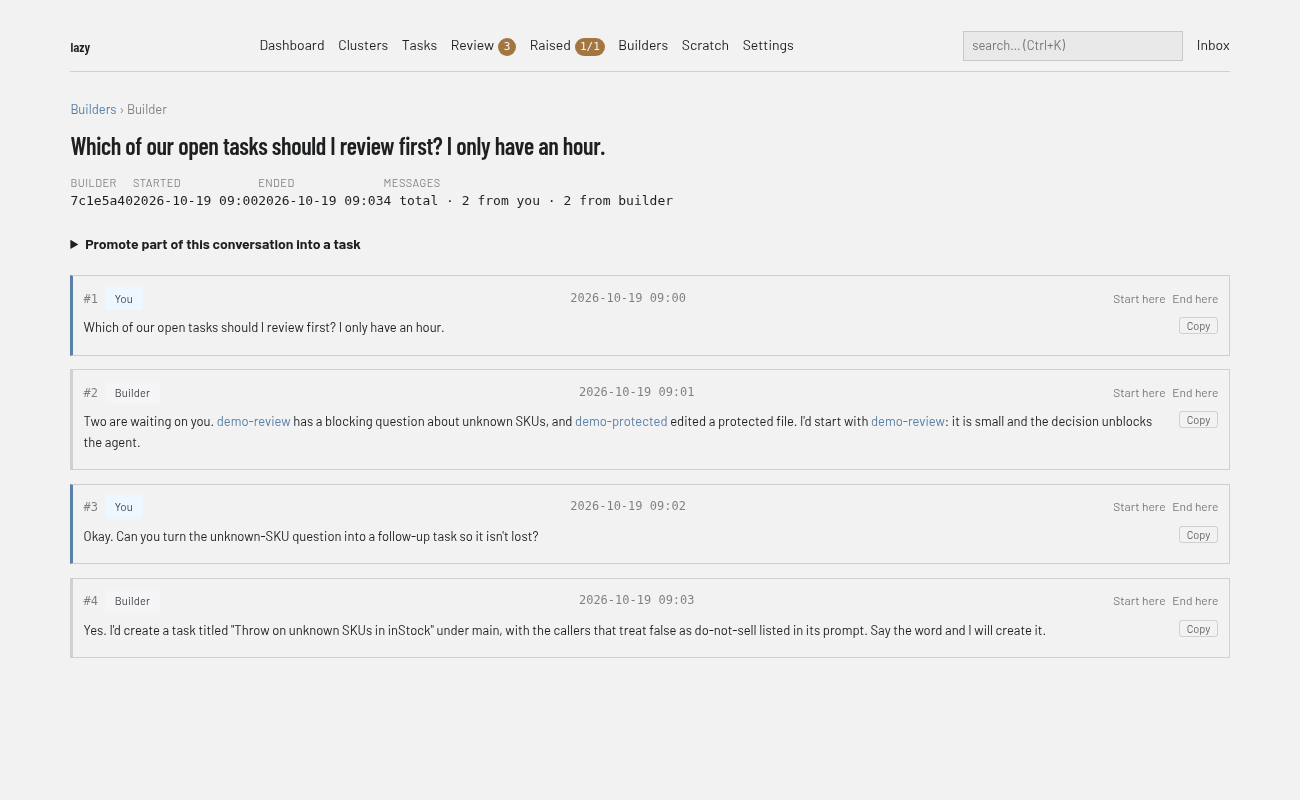
The dashboard's Builders pages list and search past builder conversations and show their transcripts. You cannot start a builder from the dashboard; use lazy builder.
Open a conversation to read its messages (#1, #2, … with who said each and when). Promote part of this conversation into a task turns an exchange into a backlog task (Create backlog task); Start here and End here on a message mark where that exchange begins and ends.
Lazy Teams
Open Builders in your project.
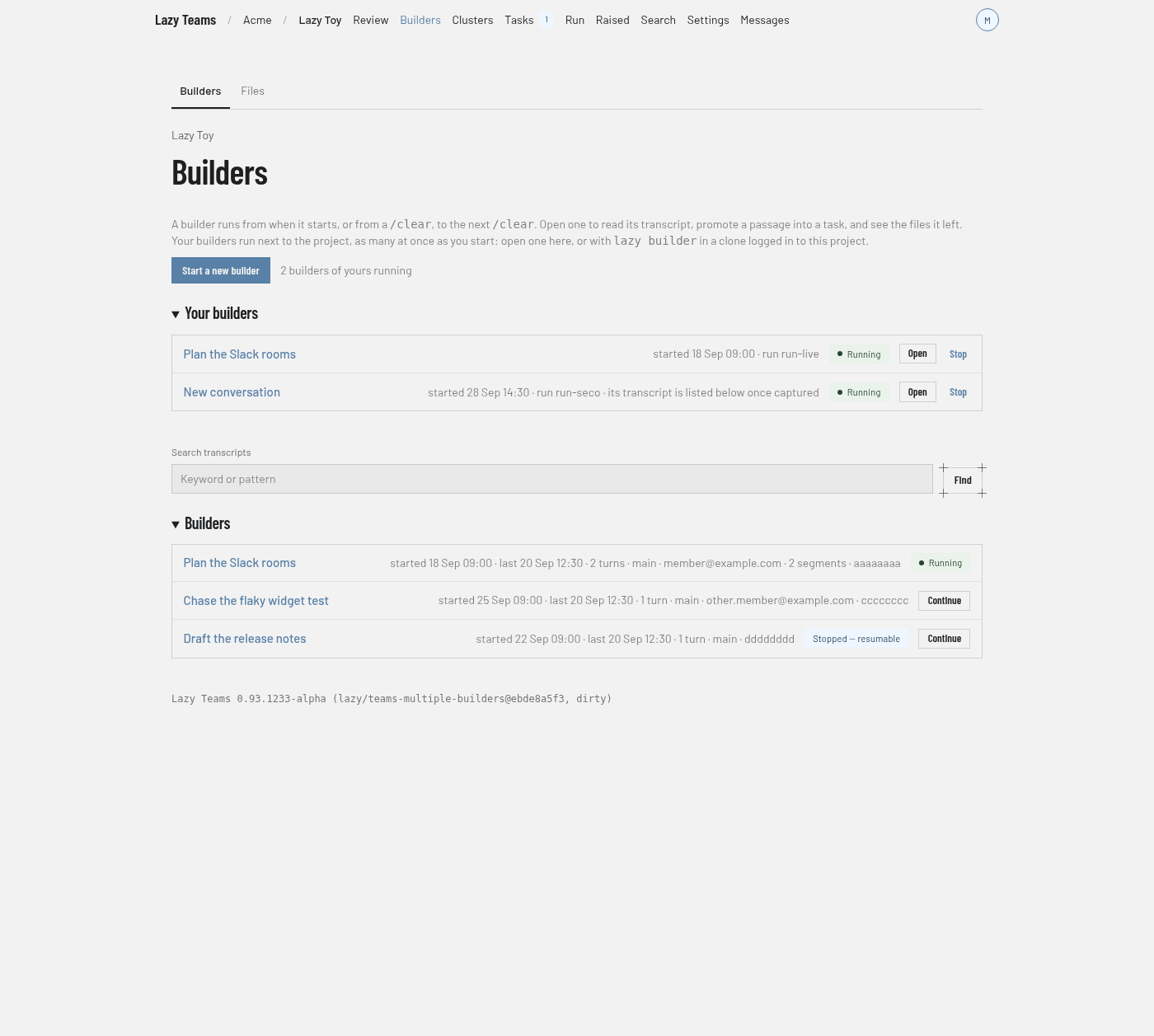
- Pick what it Runs on — the project's builder profile, or any Claude Code or Codex profile the project has — and choose Start a new builder. Each press starts another one, so you can run several at once; every builder of yours is listed under Your builders with Open and Stop.
- Work in the terminal on the page. A builder runs on the account of the person using it, so you can only open your own.
- Stop keeps the transcript and Resume starts that builder again; your other builders keep running. End finishes the run; the transcript is kept, and the builder can still be resumed from the list.
- Each of your own builders in the list, stopped or ended, has a Resume button that continues it in an additional builder of yours. See Resuming a builder.
- Every builder in the list, a teammate's included, has Continue, which starts an additional builder of yours from a summary of it. See Continuing from a summary.
Below, each past builder has a transcript. Tick Select message beside messages and choose Create task to start a new task from them. See Builders in Lazy Teams.
Codex builders
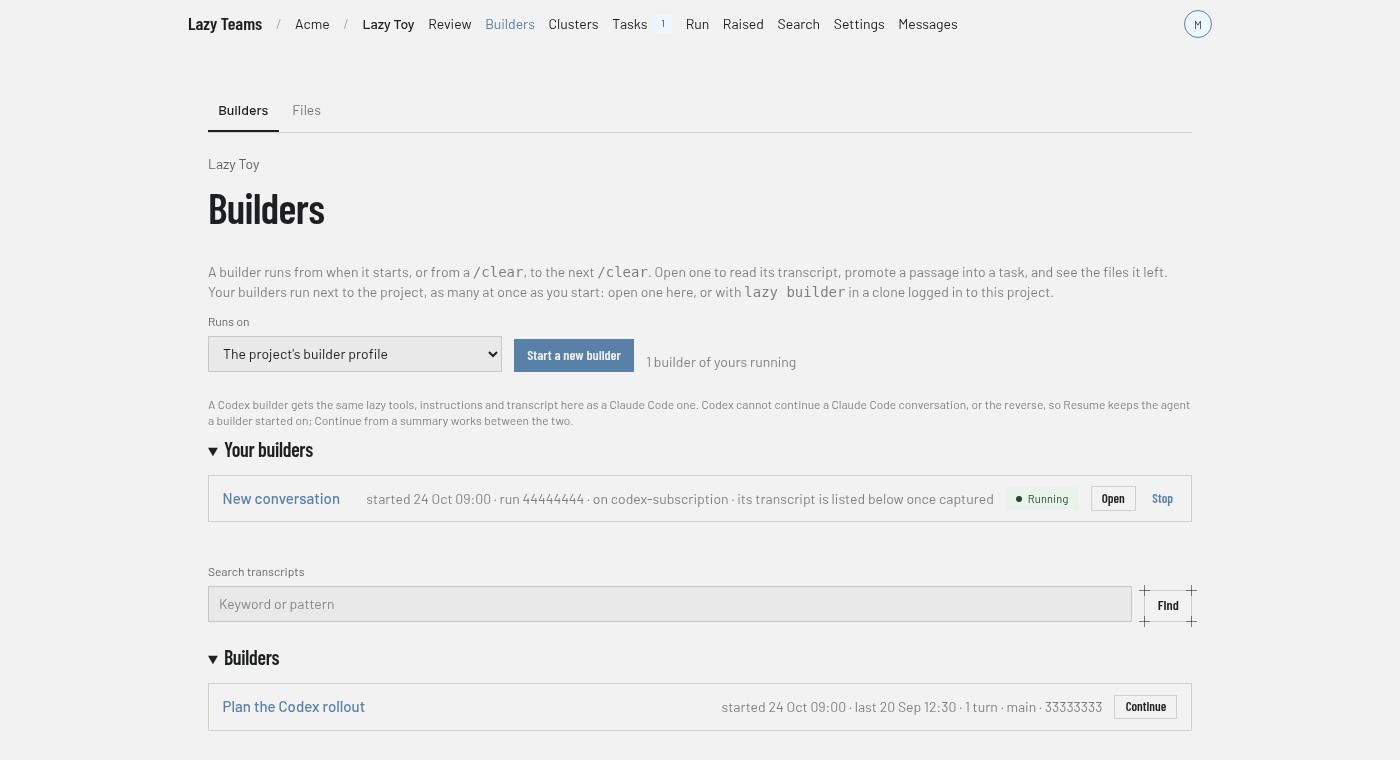
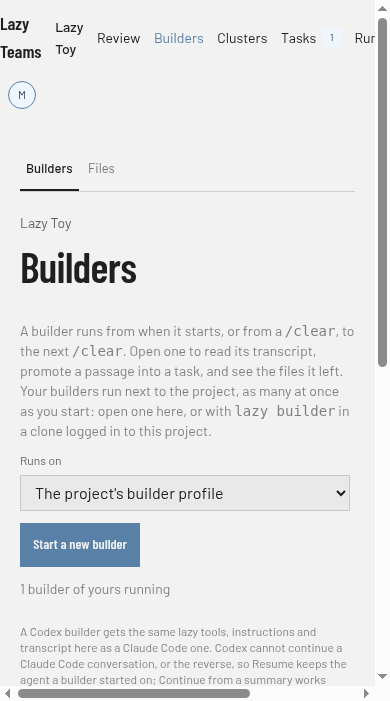
A Codex builder gets the same lazy tools, the same instructions (including the description of where it runs) and the same captured transcript, with per-message token usage, as a Claude Code builder. It is paid with the Codex profile's credential: on your machine, the one stored for that profile (lazy auth import codex-subscription for a ChatGPT subscription, lazy auth set openai for an API key); in Lazy Teams, your own connection for that profile, never a teammate's or the project's. Usage limits and the usage pause apply to it as to any other builder.
What differs:
- A conversation stays on its agent. Codex cannot continue a Claude Code conversation, or the reverse. On the CLI, resume a Codex session with its profile again —
lazy builder --resume <id> --agent codex-subscription(lazy refuses, and says so, if you leave it out). In Lazy Teams, Resume brings a builder back on the profile it started on. Continue (a summary) works between the two. - Container runners only. A Codex builder runs under the
dockerorpodmanrunner; the host-process runner refuses it. - Review conversations. Builder replies in a review conversation run on the builder role's profile and need Claude Code; with a Codex profile there, lazy refuses the reply and says so.
- Permission prompts.
--no-autonomousmakes Codex ask before every lazy tool call; Claude Code asks only before the ones that change something.