Review queue
The review queue lists the tasks in a project that are waiting for a decision from you. You reach it with Review in the project's top navigation.
Header
The project name above the title links back to the project overview.
The queue
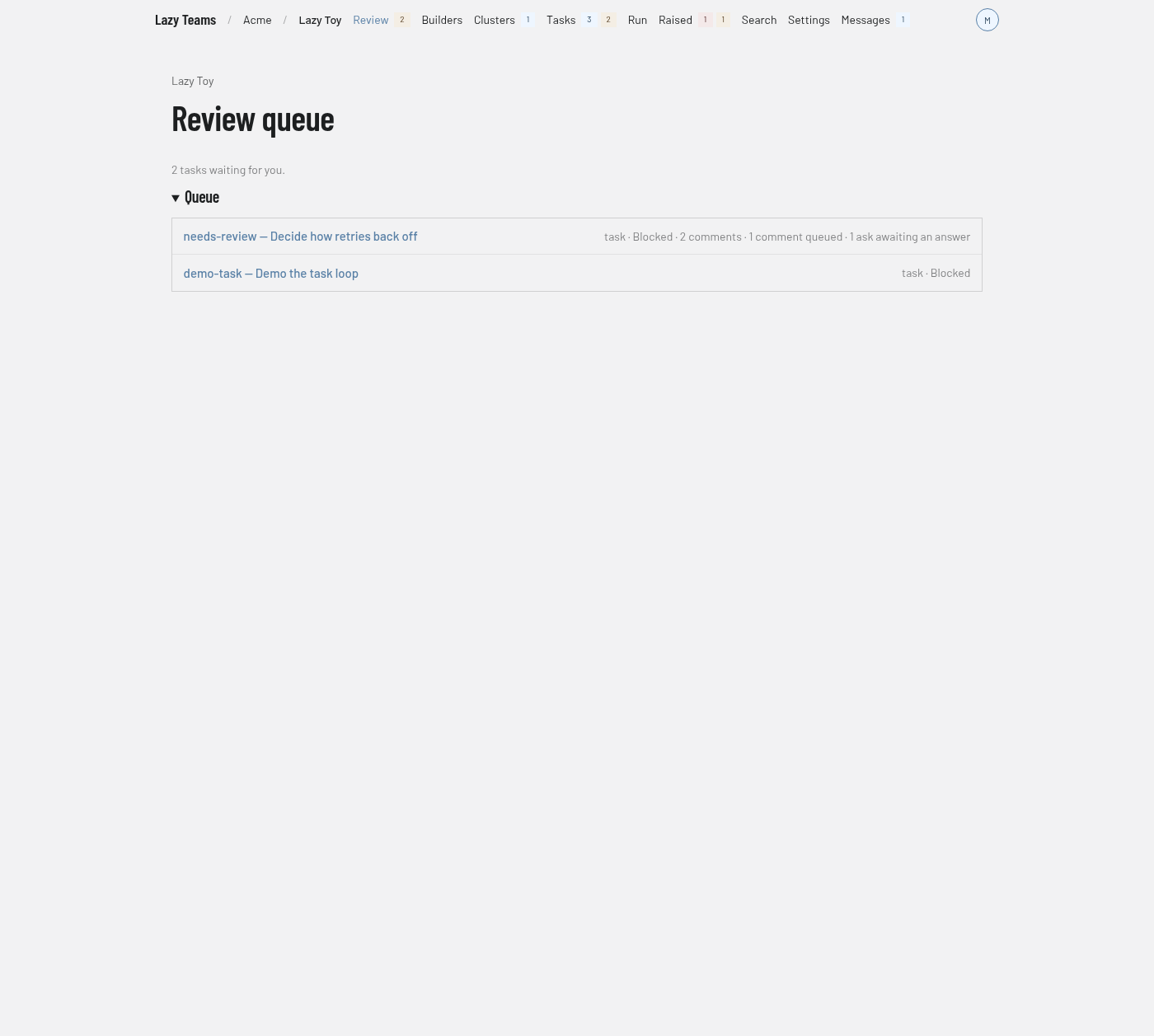
The screenshot shows two tasks waiting. When no task needs a decision, the page shows Nothing awaiting review and the note "When a task blocks and needs a decision, it appears here."
When tasks are waiting, a line above the list says how many, for example "2 tasks waiting for you." Under the Queue heading, each task is one row:
- the title is the task's code and its goal;
- the line beneath it lists, separated by dots, the task type, its status, and, when they apply, the number of comments, comments queued, asks awaiting an answer, or "no session";
- clicking the row opens the task page, where you give feedback or accept.
The page updates on its own as tasks change. If the project cannot be reached, a warning says the review queue could not be loaded and gives the reason.
The same set of tasks is counted in the badge beside Review in the top navigation. A task enters the queue when it is blocked, in conflict or submitted. See the state machine and reviewing a task.