Team
A team page shows one team's projects and members. You reach it from the dashboard or from the Teams entry in the avatar menu.
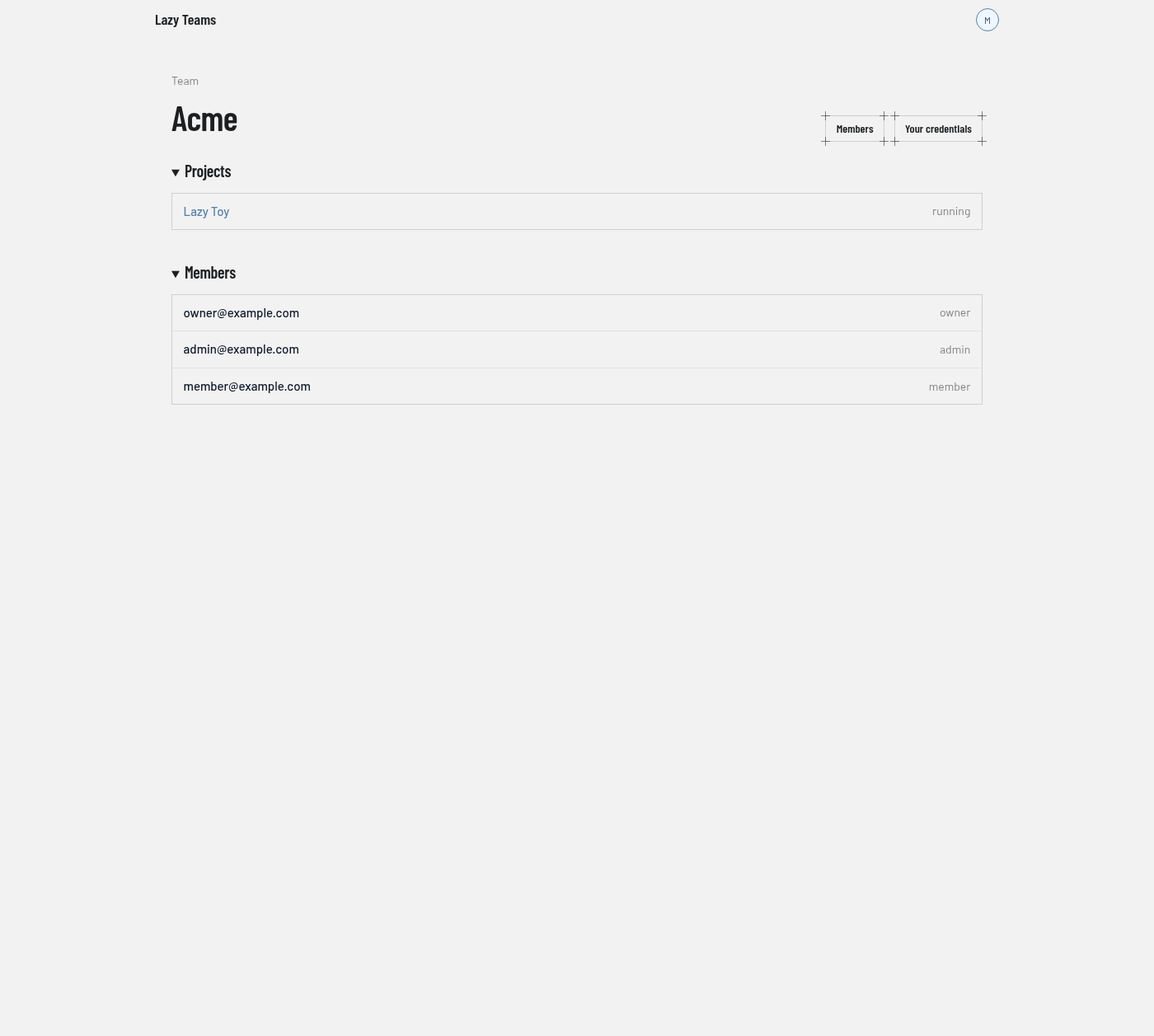
Header
The small "Team" label sits above the team name. The buttons on the right are:
| Button | What it does | Shown to |
|---|---|---|
| Members | Opens the members page. | Everyone on the team |
| Your credentials | Opens your own credentials for this team. | Everyone on the team |
| Rename | Opens the form for renaming the team. | Team owners and admins |
| Integrations | Opens the team's integrations. | Team owners and admins |
Projects
One row per project, with its current state on the right (the screenshot shows "running"). Selecting a row opens the project overview.
The section's New project link, which registers a git repository as a project, appears only for team owners and admins. A team with no projects shows "No projects yet".
Members
A read-only list of the team's members, each with their role (owner, admin or member) on the right. To invite people or change roles, use the Members button.
Related lists
The Teams entry in the avatar menu opens a list of all your teams, each showing its member count, with a New team button. A team's own project list is also available as a separate page headed "Projects", which has the same rows and the same admin-only New project button.