How to review and accept a task
You need this when an agent has finished a turn and you have to decide what happens to its work: merge it, send it back, or discard it.
Why accept works the way it does is explained in Review and accept.
Dashboard
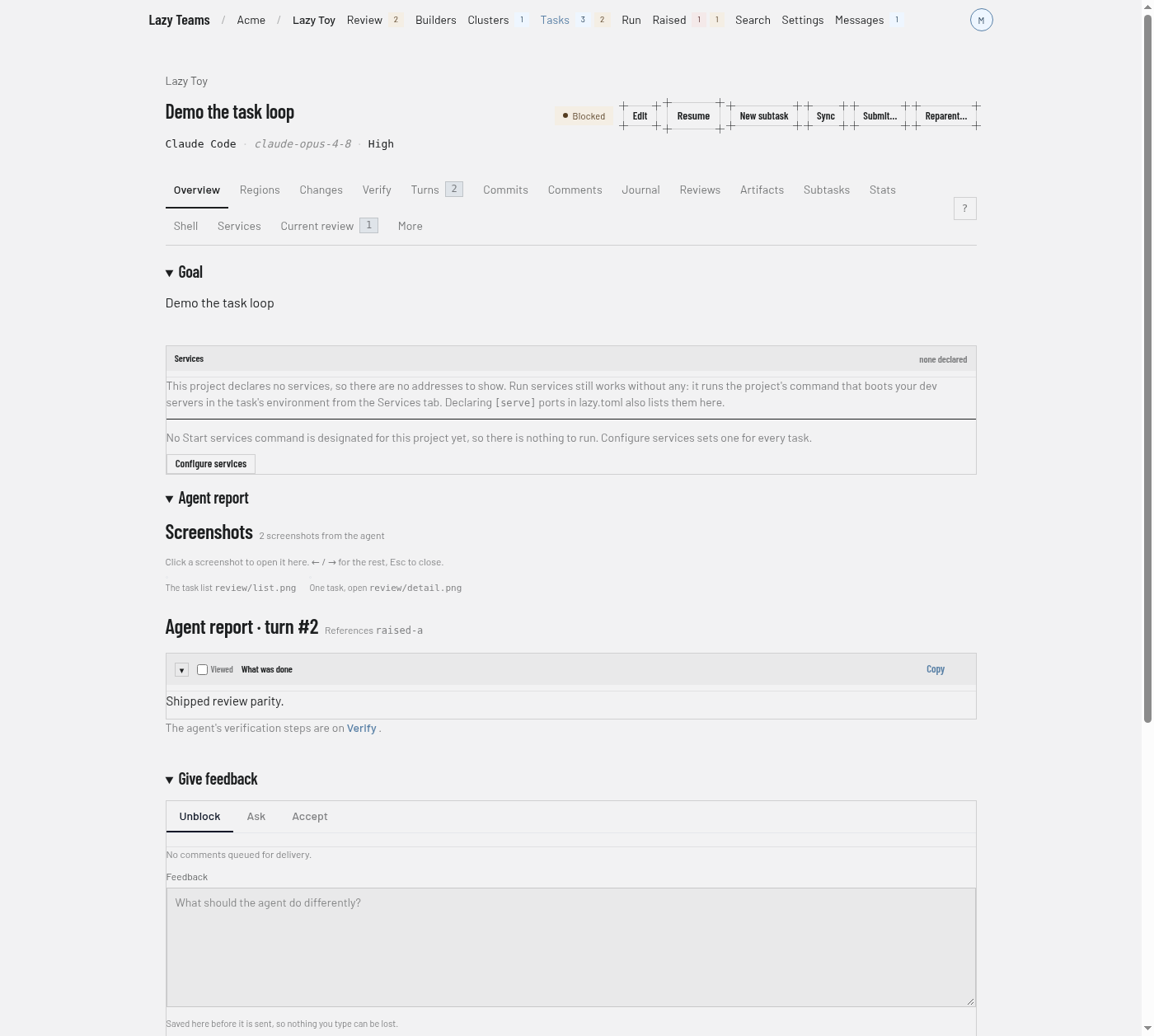
Open the task. A task waiting for you is blocked; choose Go to Current review.
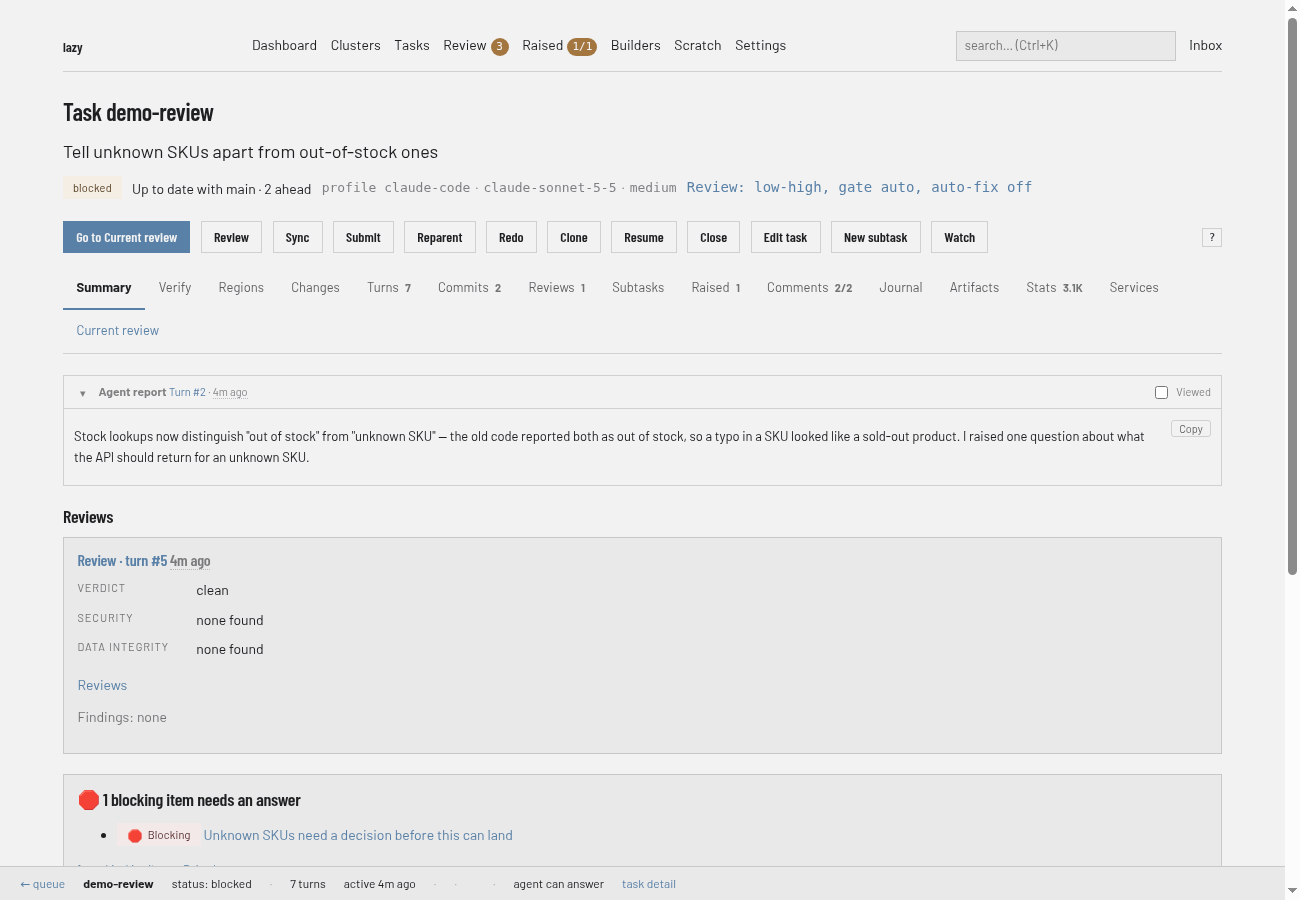
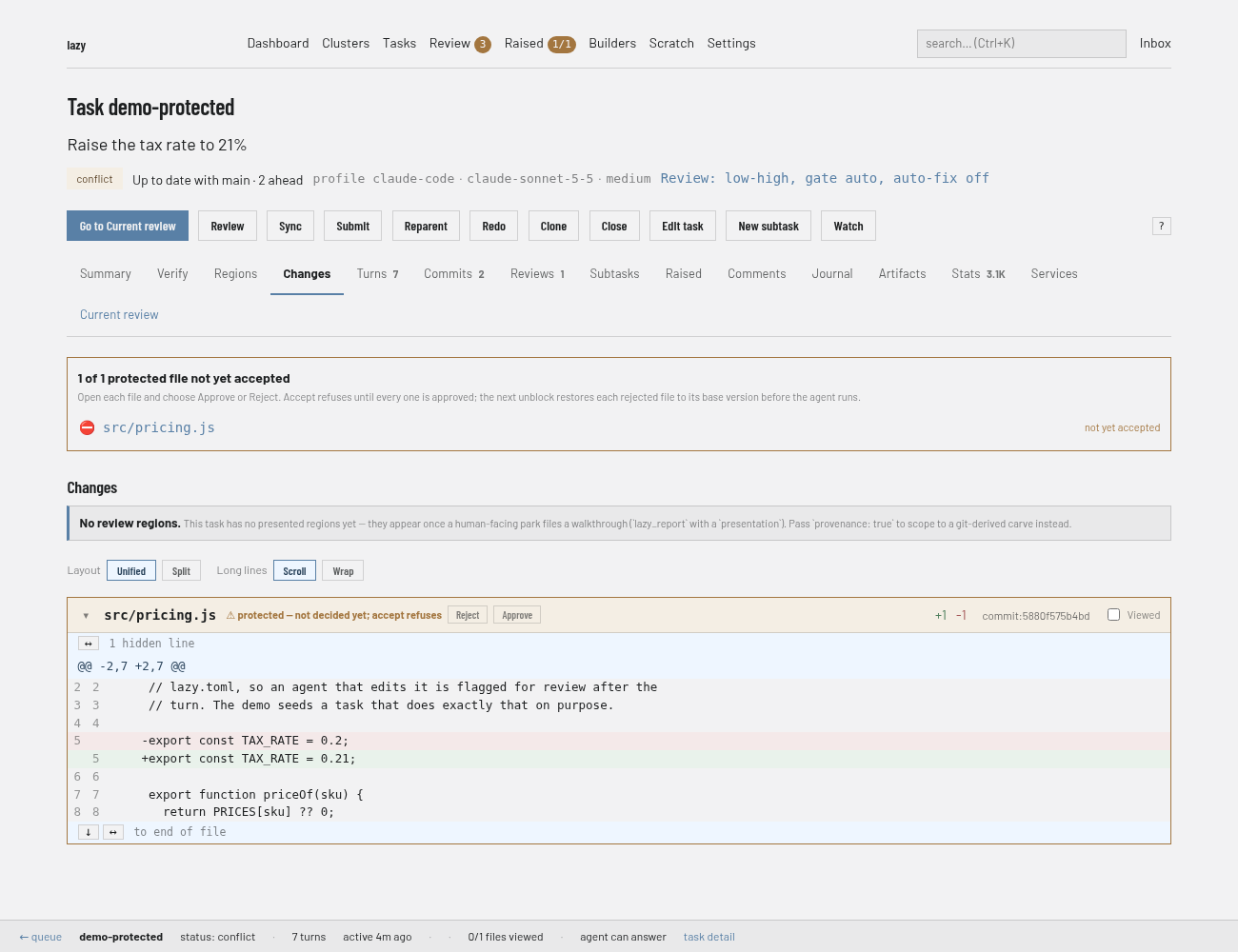
Read the work. The Changes tab shows the diff and Regions splits it. A protected file shows Approve and Reject buttons beside it in the diff; Accept refuses until every one is approved, and a file you reject is restored to its base version at the next unblock.
Optionally choose Review on the task page to run a read-only agent review. You land on the Reviews tab, where its verdict is recorded.
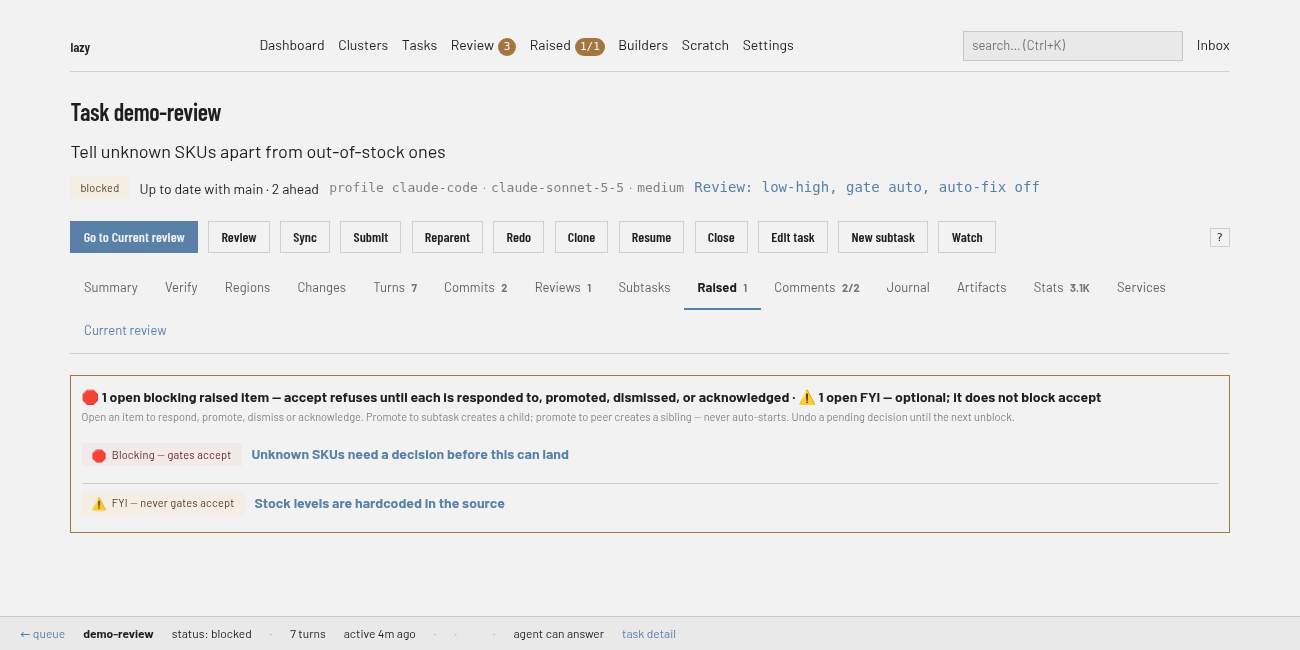
Raised items are on the task's Raised tab; Accept refuses while blocking ones are open.
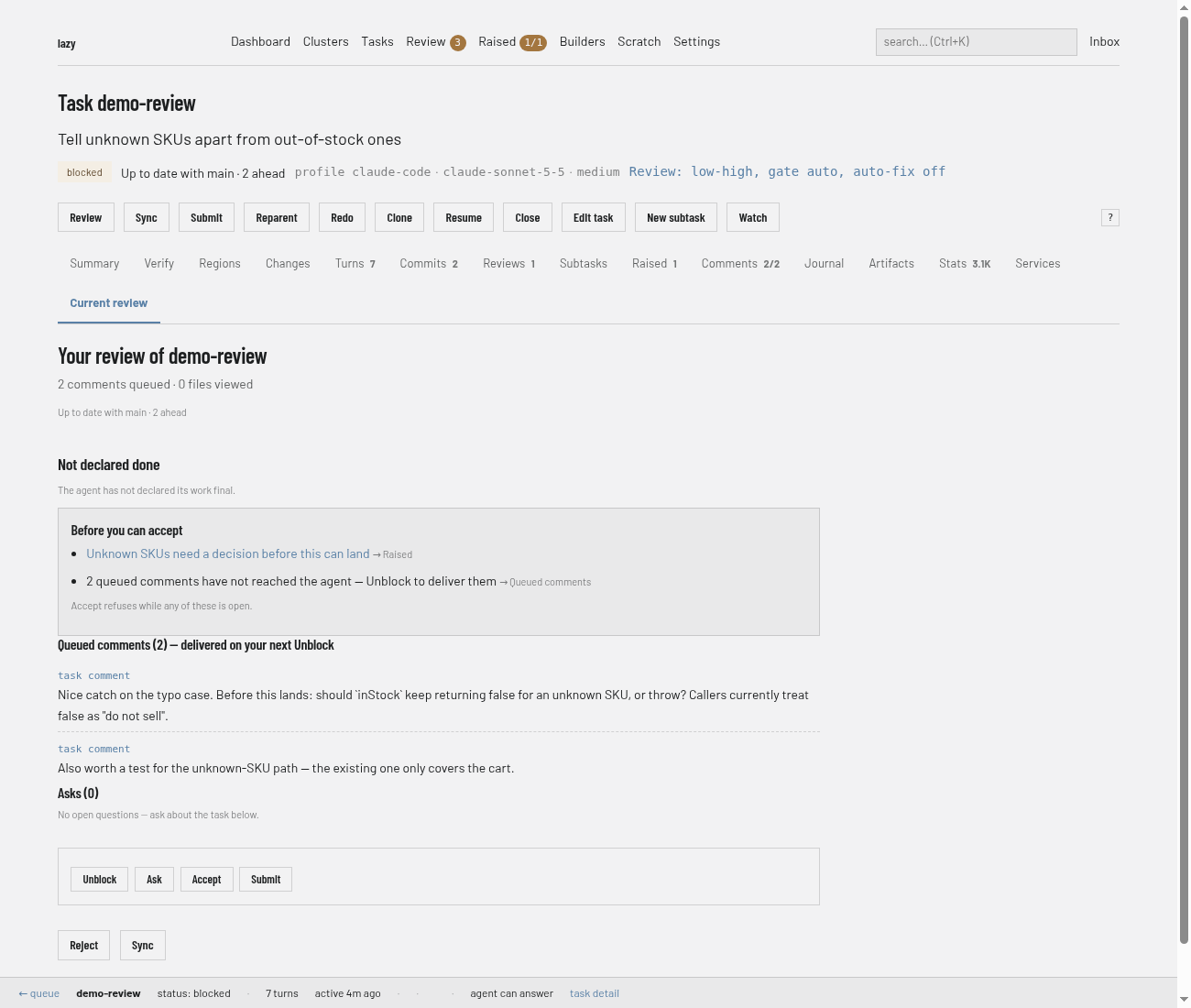
On Current review, decide. The box lists what stands between you and Accept ("Before you can accept"), then offers Unblock, Ask, Accept and, below, Reject. Unblock sends the work back to the agent with your feedback; see Give feedback. If a protected merge needs the approval passphrase, Accept shows a box for it.
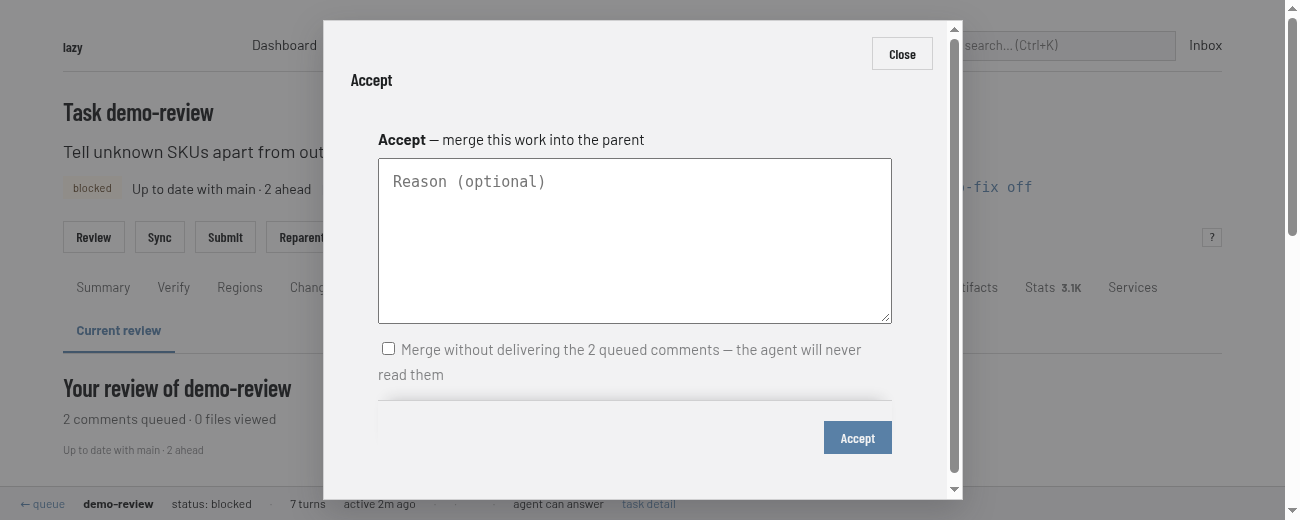
Accept opens a box ("merge this work into the parent"; for a top-level task that means its target branch, which the box does not name, so check it first) with an optional reason and a tick box to merge without delivering the queued comments:
Reject abandons the task and keeps its branch and history, the same as
lazy reject. The box has a text field, and what you enter is recorded as the reason. To send the work back to the agent instead, use Unblock (see Give feedback).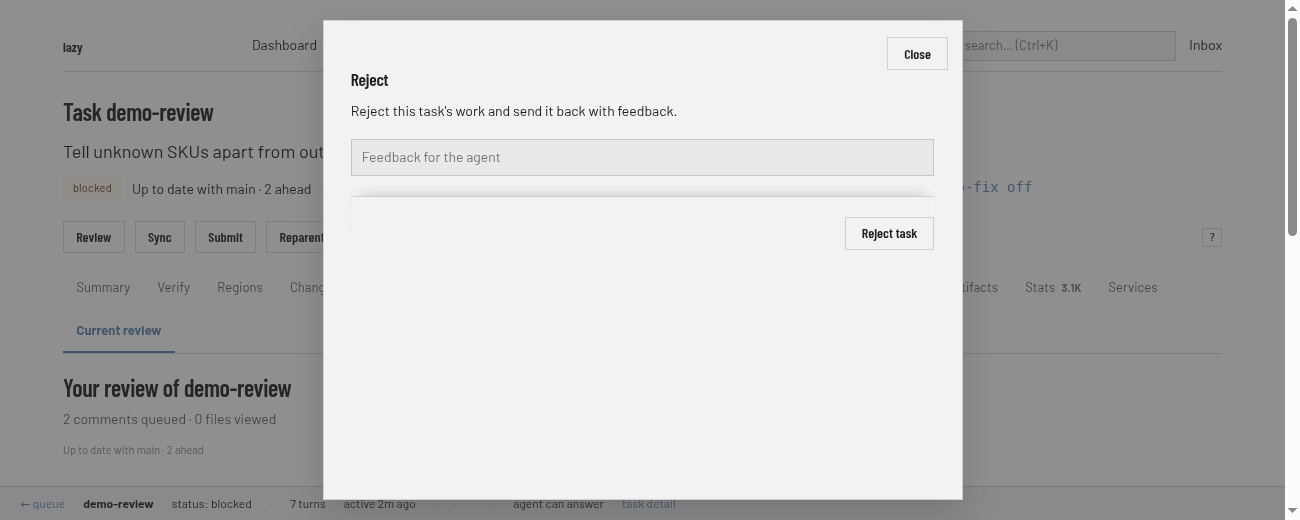
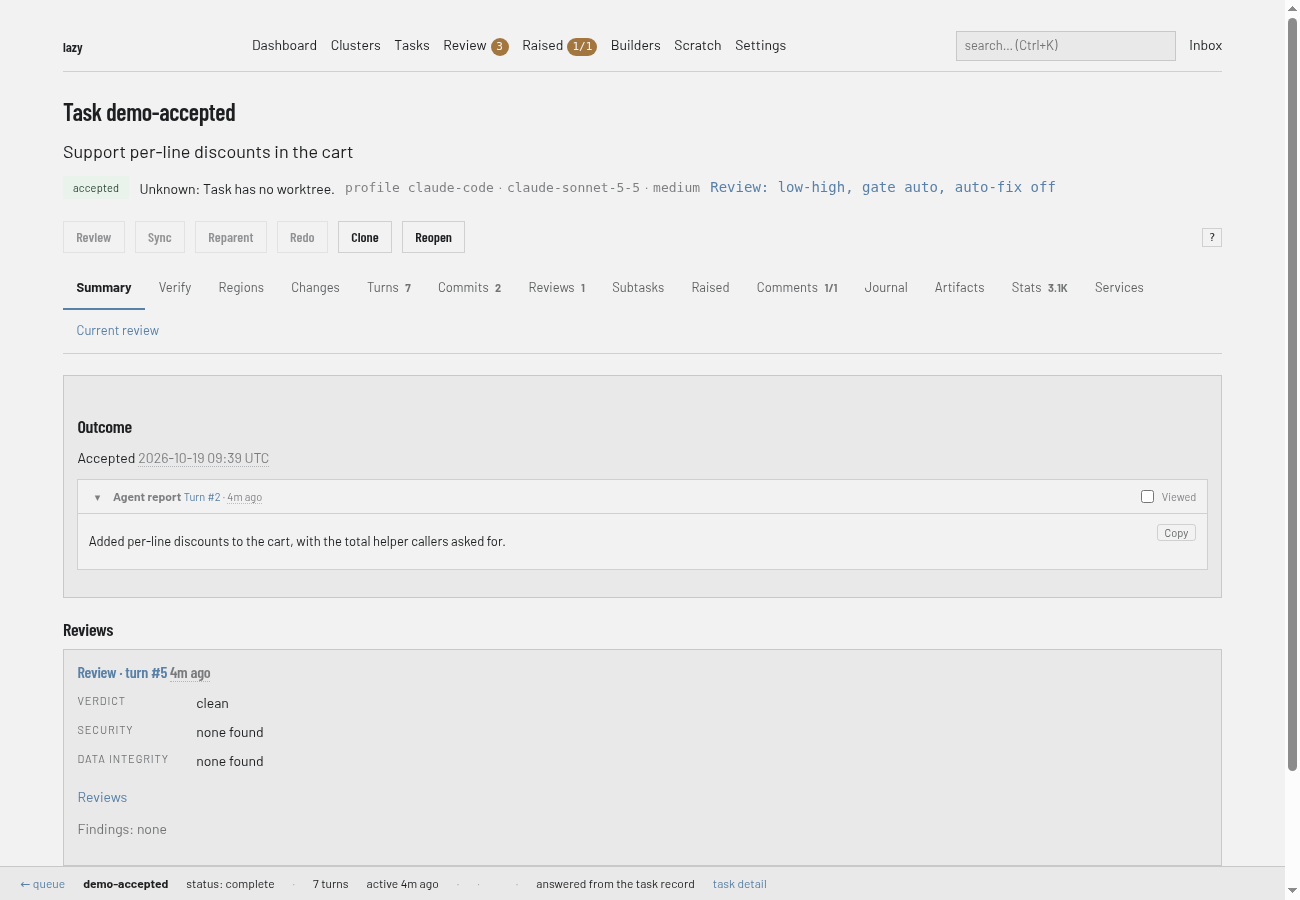
Once accepted, the task's page shows its outcome and the badge changes. Close (with a reason) is on the task page for tasks you do not want to merge.
CLI
See what changed. The diff is always the task's whole branch:
lazy diff add-auth                 # summary
lazy diff add-auth --full          # full diff
lazy regions add-auth              # the change split into regions
lazy diff add-auth --region <id> --full
lazy diff add-auth --turn latest   # only the latest turn
Optionally ask a separate agent to review the work. The report lands on the task, and you read it with
lazy show:lazy review add-auth--no-waitstarts the review and returns;--modeland--effortapply to that review only.Decide.
Accept merges the work into the task's parent branch (for a top-level task, the repository's default integration branch,
origin/HEADthenmain, or the branch named withlazy create --parent <branch>; your current checkout is never adopted silently). Check that this is where you expect the work to land before you accept:lazy accept add-auth --reason "LGTM"The reason is also stored as a comment on the task.
--waitwaits for pending CI checks before merging.Send it back with feedback: see Give feedback.
Reject discards the work of a task that has run. The branch and history are kept, and the task is marked abandoned:
lazy reject add-auth --reason "Wrong approach" --yesClose abandons a task that never ran, or one you no longer want.
--reasonis required:lazy close add-auth --reason "Superseded" --yes
lazy reopen <task>brings a rejected, closed or accepted task back.
Protected files and raised items at accept
Accept refuses until you have dealt with two things.
Protected files. If the agent changed a file your project protects, the task shows as
conflict. Name every such file when you accept; any file left out makes accept refuse, and nothing is reverted for you:lazy accept add-auth --approve-file src/auth.ts --approve-file src/session.tsThe same flag is needed when the merge would re-add a file the target branch deleted. If the merge itself is into a protected branch, accept asks for your approval passphrase on a terminal; see Protected branches.
Raised items. Every open blocking item the agent raised must be responded to, promoted or dismissed. On a terminal with no flags,
lazy acceptwalks you through each one. Without a terminal, name them:lazy accept add-auth --respond-raised a1b2c3d4="use option 2" --dismiss-raised e5f6a7b8="not in scope"--promote-raised-subtask,--promote-raised-peerand--acknowledge-raisedwork the same way. See Raised items.
Two more flags override a refusal on purpose: --allow-review-issues (a review left issues) and --allow-queued-comments (comments you queued were never delivered). --yes skips prompts, but never the raised-item walk or the protection passphrase.
Lazy Teams
Open the task. Changes and Regions show the diff. Under More, Ask the agent to review its work runs a read-only review. Accept, Reject and Close are in the actions area on Overview and Current review:
- Accept opens an "Accept this task?" page showing where it merges (Merges into); check it before you confirm. Choose Accept and merge, with an optional reason.
- Blocking raised items appear under "Decide these before accepting"; pick a decision (respond, promote, acknowledge or dismiss) for each. Open non-blocking notes can be decided there too.
- Protected files are listed there; approve or reject each one on Current review. Pressing Accept on a protected merge counts as your approval and is recorded under your name; no passphrase is asked. See Protected branches.
- Reject the work and Close the task are folded sections that need a reason and ask again before acting. Both keep the branch.
- A finished task has Reopen the task.
The Give feedback panel on the task page has an Accept tab beside Unblock and Ask: