Project settings
Project settings gather how a project runs and what it knows. You reach them with Settings in the project's top bar. This page describes the General tab and the tab strip around it.
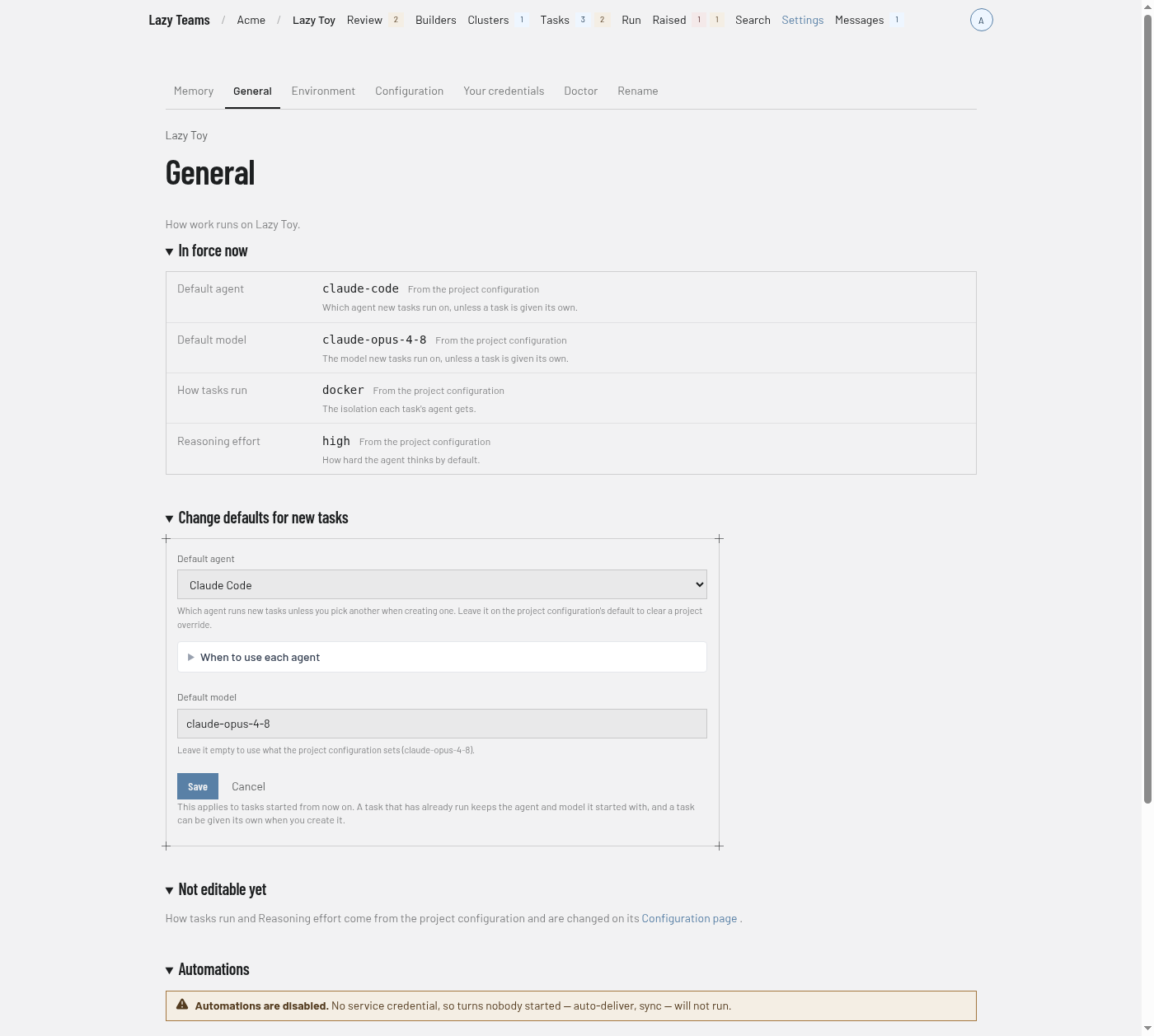
Tabs
Each tab appears only for people who may open it.
| Tab | What it is | Shown to |
|---|---|---|
| Memory | The project's shared memory. See Memory. | Every member |
| Image | Rebuild the project image and read saved build history. | Project admins |
| General | This page. | Project admins |
| Environment | Variables and files for tasks. See Environment. | Project admins |
| Configuration | The project's configuration. | Every member |
| Your credentials | Your own credentials for this project. | Every member |
| Doctor | The project's health check. | Every member |
| Rename | Renames the project. | Project admins |
Image and build history
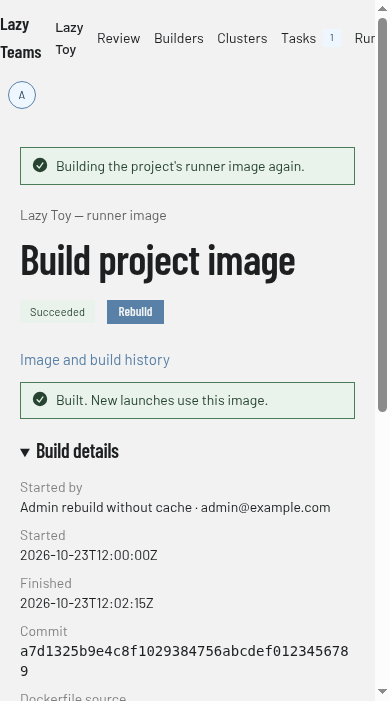
Open Settings → Image as a project admin. The current image names its tag, Dockerfile source, commit and build time. Choose Rebuild image to reuse cached layers, or Rebuild without cache to build fresh. During a build, either button explains that a build is running and links to its log; Cancel build stops it. A disk-capacity refusal shows the measured requirement and links to Free space. If cleanup cannot meet it, ask the site admin to raise the disk size.
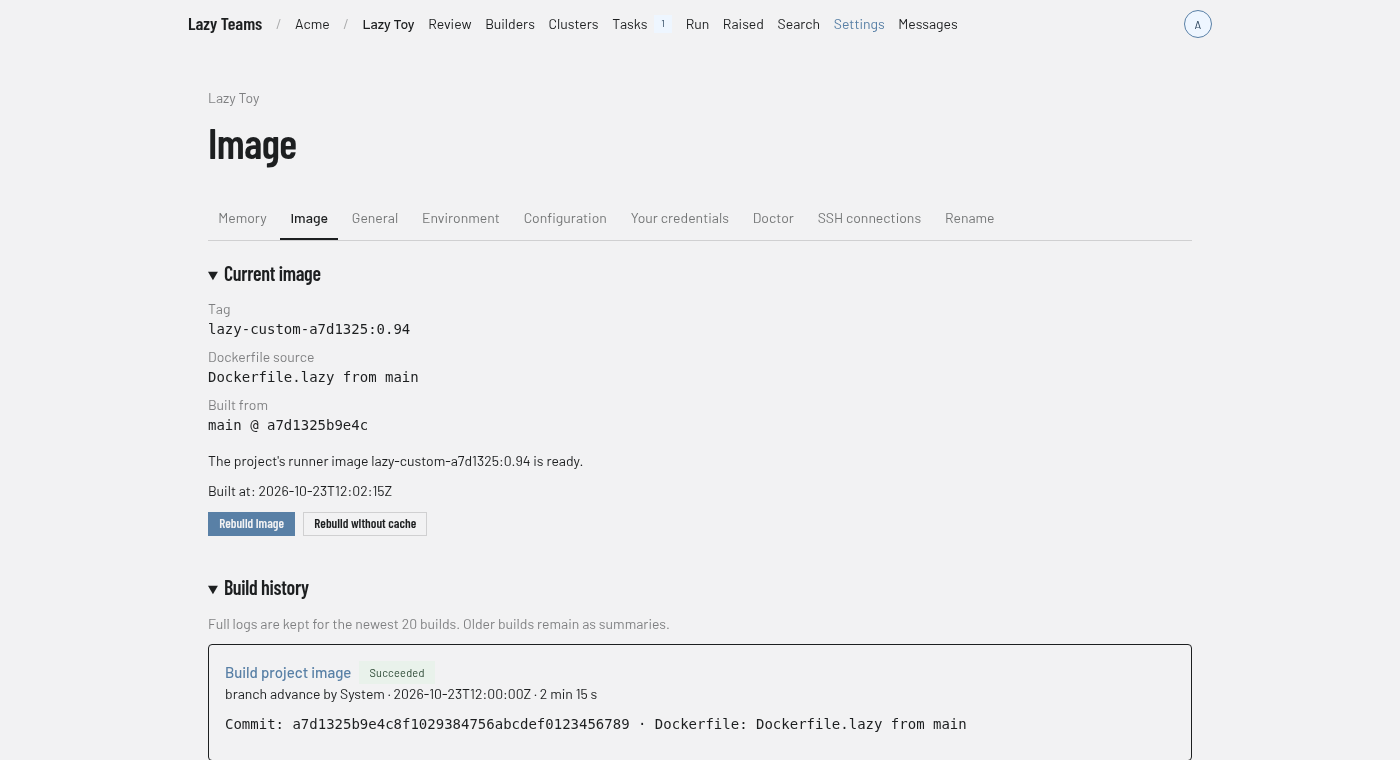
Image settings at phone width.
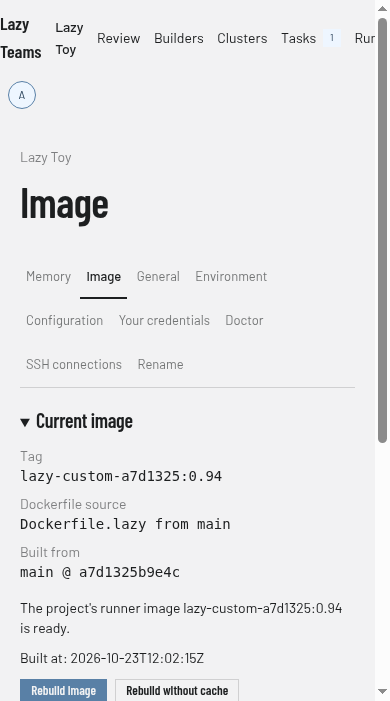
Build history lists automatic and requested builds with who requested them, their commit, result, timestamps and duration. Open a build to read its saved log. The newest 20 builds keep full logs; older entries keep their summaries. A saved build page remains available after completion and daemon restarts.
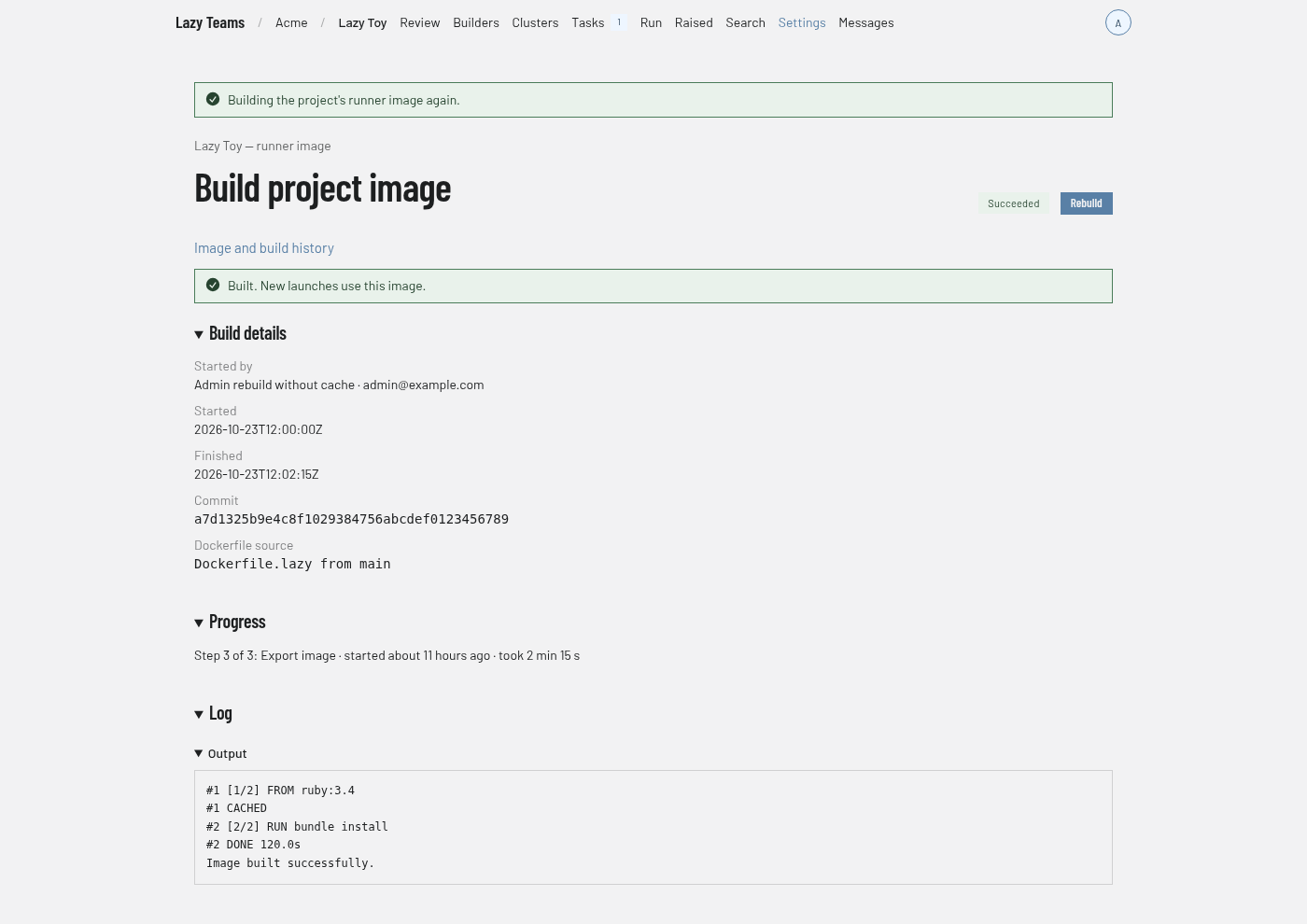
When the project’s acting branch advances, including a merge on GitHub or GitLab, lazy builds the image from that commit in the background. A successful image is used for later container launches; existing containers keep running.
In force now
A table of the settings currently in effect, each with its value, where it comes from (the screenshot shows "From the project configuration"), and a one-line description: Default agent, Default model, How tasks run and Reasoning effort. If a setting here overrides the project configuration, the row also shows what the configuration sets. "Last changed" shows when settings were last edited.
Change defaults for new tasks
A form with Default agent, Default model, Save and Cancel. When to use each agent expands a description of each agent. The new defaults apply to tasks started from now on; a task that has already run keeps the agent and model it started with. Project admins see this form when the default model is editable.
Not editable yet
Names the settings that are not edited here, and links to the Configuration page, where they are changed.
Automations
Says whether turns nobody started, such as auto-deliver and sync, can run, and shows the Repository and the service credential that pays for them. Admins who may manage it also get Use my credential for automations and, once one is set, Clear service credential.
Default branch
For a project hosted by Lazy Teams, shows whether members may push the default branch directly. Admins get Protect the default branch or Let members push the default branch.
Download your data
Admins who may export get a Download