Account settings
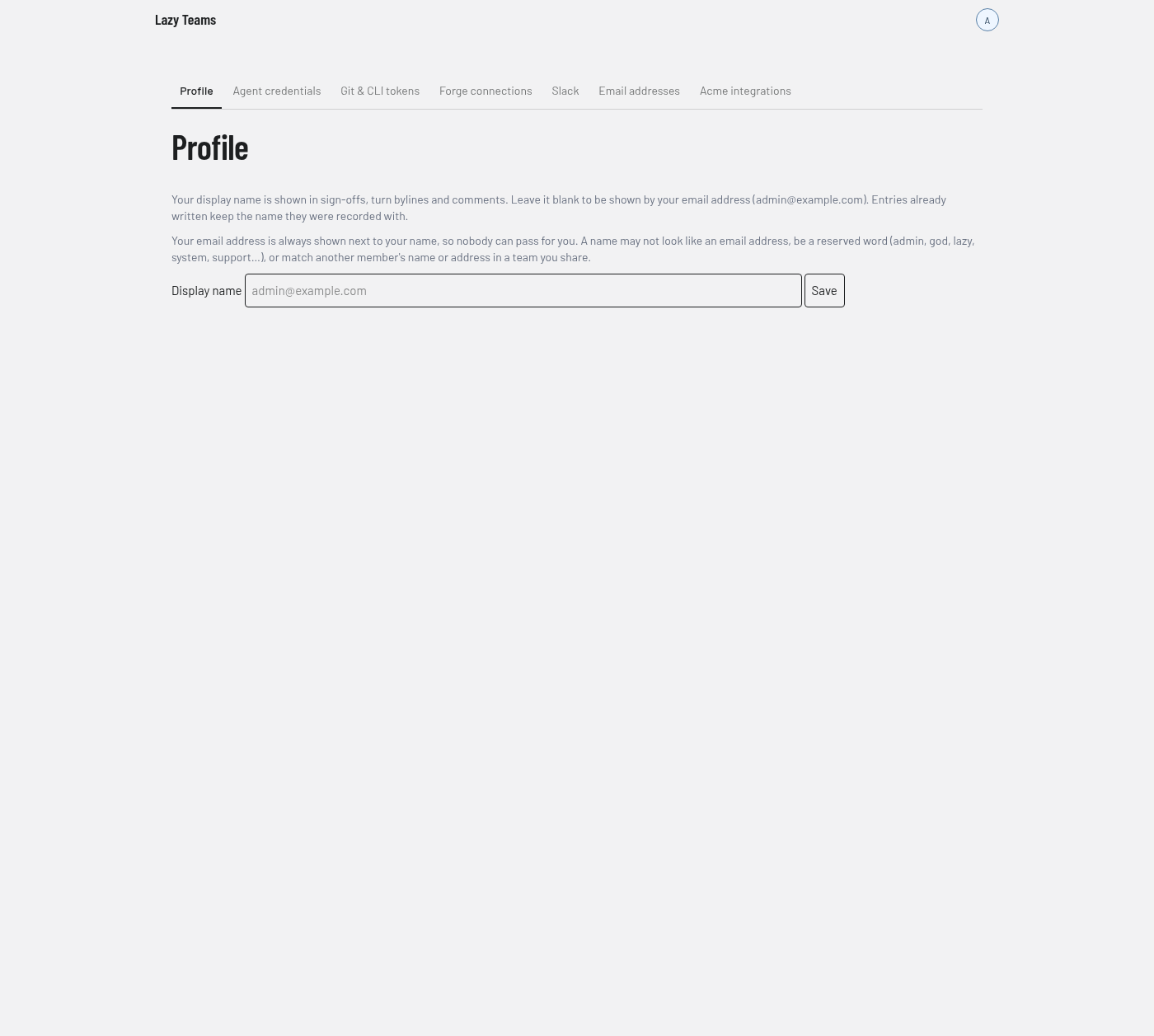
Account settings holds everything scoped to you rather than to a project. You reach it from Account settings in the avatar menu. It opens on the Agent credentials tab; the screenshot below shows the Profile tab.
Tabs
A tab strip runs across the top of every Account settings page.
| Tab | What it is |
|---|---|
| Profile | Your display name. |
| Agent credentials | Your model accounts. |
| Git & CLI tokens | Tokens for using git and the lazy command line against this installation. |
| Forge connections | Your GitHub or GitLab connections. |
| Slack | Linking your Slack user to your account. |
| Email addresses | The email addresses on your account. |
| Team integrations | One tab per team you administer, for that team's own integrations. The screenshot shows "Acme integrations". |
See Agents in Lazy Teams for the credentials, and Slack rooms for Slack.
Profile
The Profile tab has one field, Display name, and a Save button.
- Your display name appears in sign-offs, turn bylines and comments. Leave it blank to be shown by your email address.
- Entries already written keep the name they were recorded with.
- Your email address always appears next to your name.
- A name may not look like an email address, may not be a reserved word (such as admin, god, lazy, system or support), and may not match another member's name or address in a team you share.
If your current name breaks one of those rules, a warning appears and new sign-offs, comments and turns show your email address only until you change it.