Memory
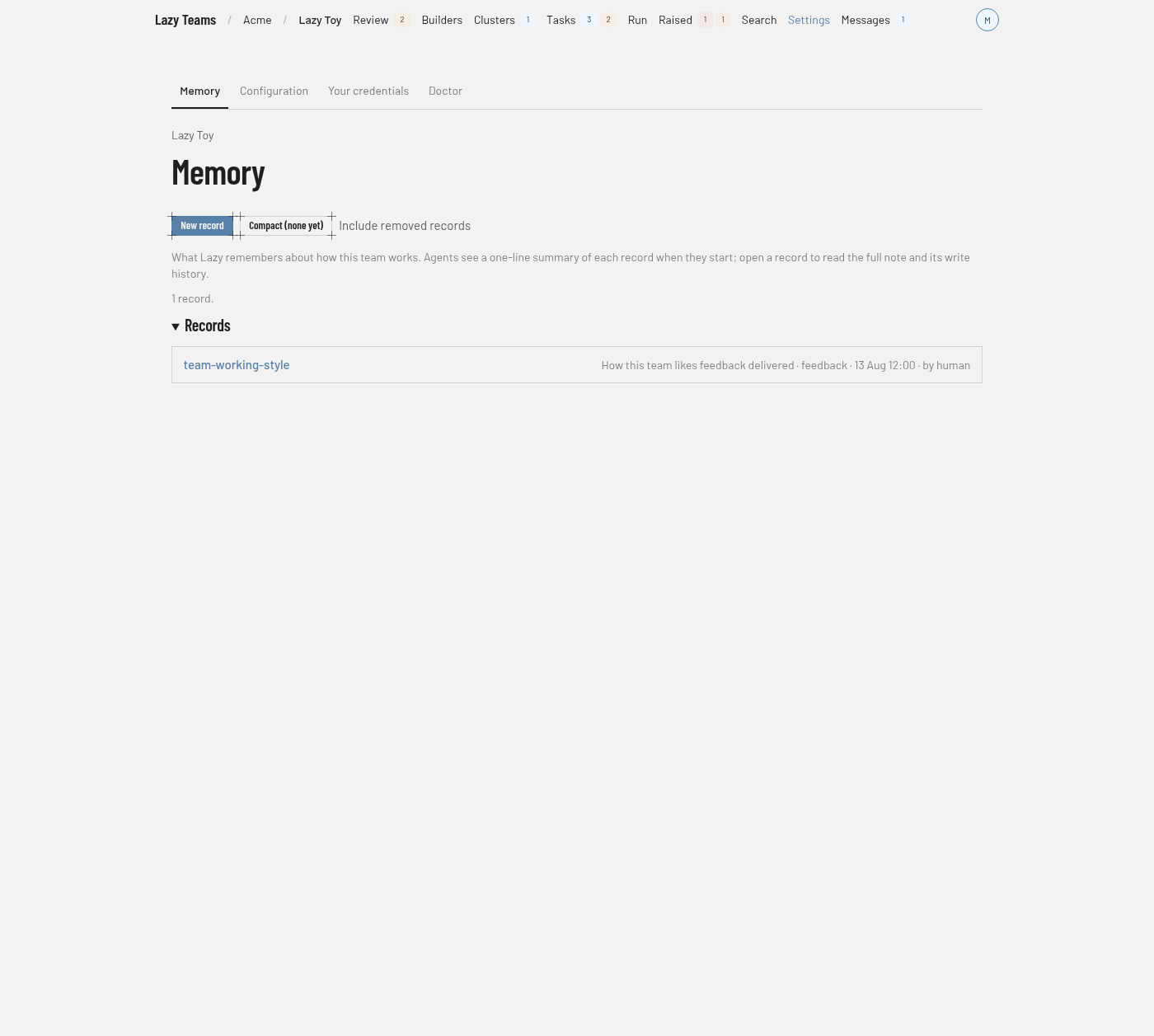
The Memory screen lists the project's shared memory records; you reach it from Settings in the top navigation, where Memory is the first tab.
For what memory is and how agents use it, see Memory.
Section tabs
Memory sits in the Settings section beside tabs such as Configuration, Your credentials and Doctor. Which of those tabs you see depends on your role; Memory is shown to every member.
Actions
| Control | What it does |
|---|---|
| New record | Opens the new-record form. Shown only to members who may write and act in their own name. |
| Compact | Opens the compact page. It reads Compact (none yet) until a compact exists. |
| Include removed records | Adds removed records to the list. It becomes Hide removed records while they are shown. |
Introduction and summary
A paragraph says Memory is what Lazy remembers about how this team works, that agents see a one-line summary of each record when they start, and that you can open a record to read the full note and its write history. Below it, a count gives the number of records. When the project has live records, a sentence about the compacted context appears with a View compact link, and an over threshold badge when it applies.
Records
Each row shows the record's name, linked to its page, then its one-line description and details such as its type. A removed record is marked (removed) and is not linked. With no records you see No memory records yet.
A record's page
A record shows a type badge, the fields Summary, Type, Revision, Last updated and Created, and the Body with a copy button. Write history lists each write in order. Members who may write also get an Edit section with Save changes and a Remove this record link; removing keeps the write history.
New record
The New memory record page explains that people write records and task agents can only read them. Its fields are:
- Name, normalised to a kebab-case slug. Saving under an existing name overwrites that record.
- Type: one of user, feedback, project or reference.
- Description: one line, at most 200 characters, shown to every agent when it starts.
- Body: the knowledge itself, in markdown.
Create record saves it.