Dashboard
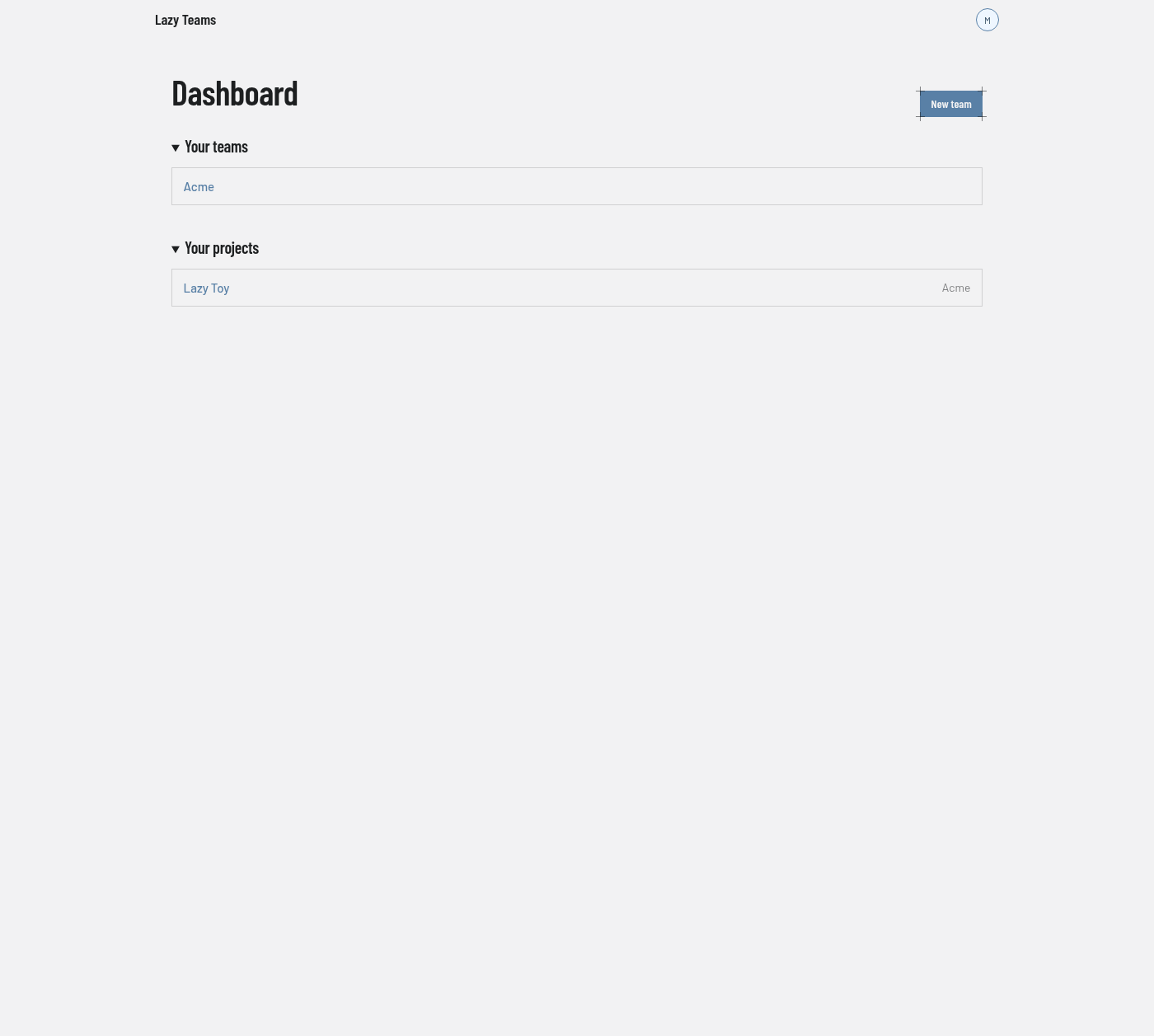
The dashboard is the page you land on after signing in; it lists your teams and your projects.
Top bar
Outside a project the top bar carries only the Lazy Teams brand, which returns you here, and the avatar menu on the right. The avatar menu has these entries: Teams (the list of every team you belong to) and Account settings (see Account settings), then Sign out, or a note that you signed in through your sign-in provider and sign out there. Inside a project the bar also names the project and lists its pages; see Project overview.
Header
| Control | What it does |
|---|---|
| New team | Opens the form for creating a team. |
Your teams
One row per team you belong to. Selecting a row opens that team. With no teams, the section reads "No teams yet" and offers a New team link.
Your projects
One row per project in your teams, with the owning team's name on the right. Selecting a row opens the project overview. With no projects, the section reads "No projects yet".
If you have not yet connected a model credential, a notice above these sections tells you so. See Agents in Lazy Teams.