Builders screen
Captured dialogues with the project's builder (Builders in the navigation bar, address /builders). The page is read-only: conversations are recorded as they happen and listed here. The badge on the navigation entry counts conversations captured or extended since you last opened this page in this browser. To bring in older conversations, see Importing conversations.
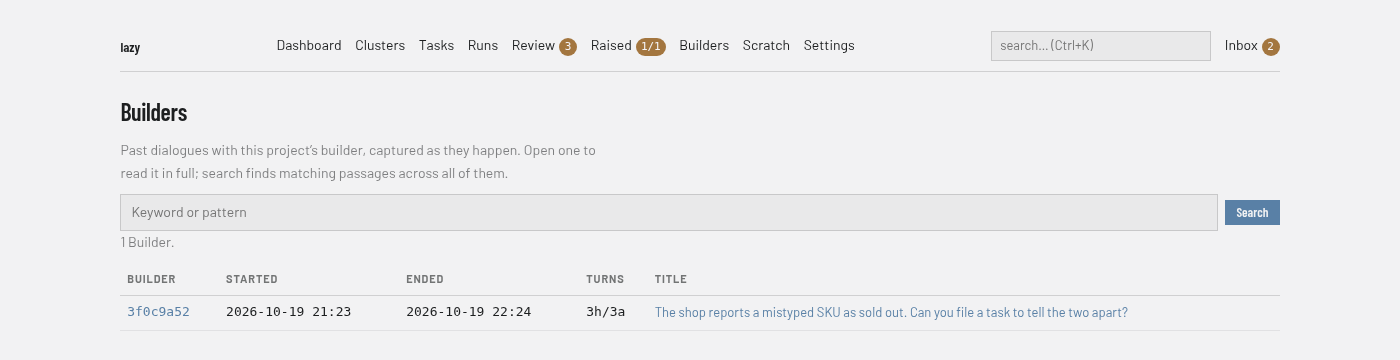
Regions
- Search box. Searches the text of every captured conversation by keyword or pattern. Results list up to 10 builders with up to 5 matching passages each, with a Clear button to return to the full list.
- List. One row per builder conversation: Builder (a short id that opens it), Started, Ended, Turns and Title. With none captured, the page says "No Builders yet."
A conversation
Opening a row shows the conversation's messages, paged with Earlier and Later links. On a conversation you can pick an exchange with Start here and End here on its messages and create a backlog task from it, with an optional code and parent; the page also lists tasks already promoted from the conversation.