How to set environment variables and secrets
You need this when a task needs an API token, an endpoint or a config file that the agent should not otherwise have. Where you set it depends on the surface.
Dashboard
The dashboard has no environment page; use lazy env.
CLI
Give one task its own variables. A bare name prompts for the value without echoing it, which keeps a secret out of your shell history:
lazy env set my-task STRIPE_API_KEY
lazy env list my-task          # names only, never values
lazy env unset my-task STRIPE_API_KEY
lazy env clear my-task
Or set them when you start the task:
lazy start my-task --env STRIPE_API_KEY
lazy start my-task --env-file ./task.env
Values stay on your machine, go only to that task, and are deleted when the task is accepted, rejected or closed. They apply at the task's next launch. For files you want inside every task's container, see [[mounts]] in lazy.toml. Full details: Per-task environment variables.
Lazy Teams
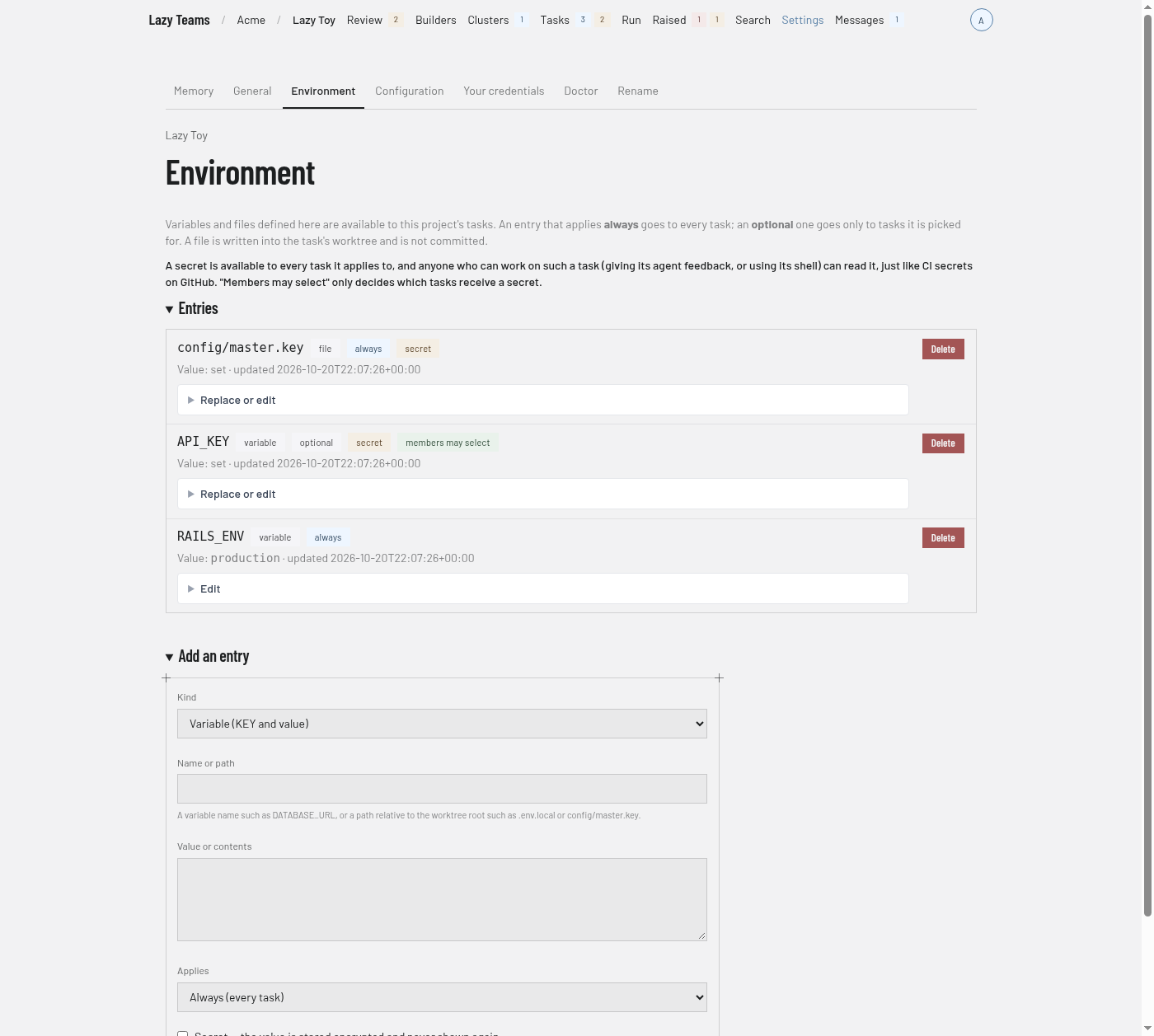
Project admins define the project's environment under Settings → Environment: variables and files, each either always applied or optional, and optionally secret (write-only). A task's Services tab shows its Environment, where you can pick optional entries. Details: Environment variables, secrets and files.